

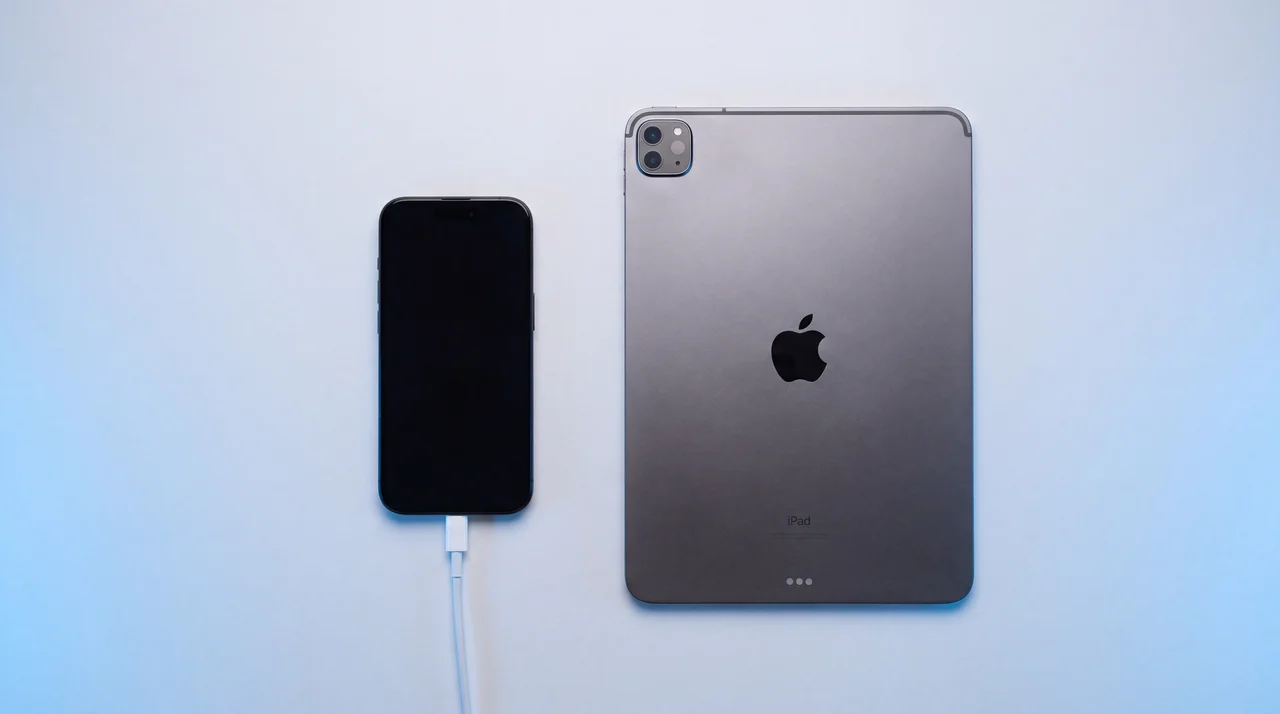
Phone Security Reset and Virus Removal
A full erase and clean reinstall for any phone or tablet, about an hour, £24. Walk in at Haverhill or post it to us from anywhere in the UK.
A security reset erases everything on a phone or tablet and reinstalls its operating system from scratch, so nothing a scammer installed, changed or left behind survives.
People arrive with the same story. A call from the bank, or someone claiming to be the bank. A screen-sharing app installed to "secure" the account. Money moved, or nearly moved. Then the real bank on the line saying the phone needs resetting before the app will be trusted again. The reset is the easy part and takes us about an hour. The two things that matter are what you do before it, which is to secure your accounts from a different device and write down your Apple or Google password, and what you do after it, which is to set the phone up as new instead of restoring the backup from before the scam.
When is a security reset the right call?
Whenever someone else has had access to the phone, or you cannot be sure they have not. These are the six ways people arrive.
Your bank has told you to reset it
After a scam report, or because their app has flagged the phone as unsafe and will not run until it is clean.
Someone had remote access
You installed AnyDesk, TeamViewer or a similar app on a caller’s instruction, and they could see or control the screen.
You tapped a link or installed something
A missed-parcel text, a fake banking app, a profile you were told to accept. You are not sure what it did.
The phone is behaving oddly
Codes you did not request, settings that changed themselves, apps you do not recognise, a battery that empties for no reason.
A password or account was taken over
Email, Apple or Google account compromised. Once the accounts are secured, the phone needs to be trusted again.
You want a documented clean slate
A second-hand phone, a handset back from an ex-partner or a lodger, a work phone changing hands. A report that says it was erased.
What does the reset actually do?
On a modern phone, erasing the device destroys the keys that encrypt its storage. Apple documents that Erase All Content and Settings "renders all user data cryptographically inaccessible", and Google requires every Android factory reset to delete data in a way that satisfies NIST SP 800-88, the US standard for media sanitisation. NIST calls this method cryptographic erase and classes it as a purge, its stronger tier, because recovering the data afterwards is "infeasible using state-of-the-art laboratory techniques" (SP 800-88 Rev. 2, September 2025).
What we add to the erase
So the erase itself is not the clever part, and you can run it from the Settings app. Our guide to wiping a phone shows how. What a security reset adds is everything around it:
- A check before the wipe. We read the device for the footprints of a compromised phone: a jailbreak or root, a management profile you did not put there, accounts signed in that are not yours, and the lock status that decides whether it can be set up again afterwards.
- The erase, run with certified software. The erasure software we use holds an ADISA Product Claims Test certificate, meaning ADISA's research centre independently and forensically verified that data could not be recovered after its wipe. ADISA is the UK body whose asset-recovery standard is recognised by the Information Commissioner's Office.
- A clean reinstall of the operating system, not a settings reset. The phone leaves running fresh software with nothing carried over.
- A per-device report recording the identifiers, the date and the result, which is what a bank or an insurer wants to see.
The reset makes the phone clean. It does not make your accounts safe. Those are two jobs, and the accounts come first.
Why there is no scan
What the reset does not do is scan for anything. There is no antivirus step, because on a phone there does not need to be one: the NCSC says phones "can't usually be fixed by an antivirus product" and that "the safest solution is to do a factory reset". Erasing the storage removes whatever was on it, named or not.
Does this remove a virus from my phone?
Yes. A full erase is phone virus removal that does not depend on knowing what the virus is. A phone "virus" is nearly always an app: on Android, something installed from outside the Play Store, a fake banking app, or an app that asked for accessibility permissions it had no business having; on an iPhone, more often a configuration profile or a web page pretending to be a scan. Antivirus apps look for things they recognise. Erasing the storage and reinstalling the operating system removes everything on the device whether anyone has a name for it or not, which is why the NCSC's advice for a phone that may be infected is a factory reset rather than a scan.
If you are not sure whether there is anything on the phone at all, the signs that mean something are unexpected verification codes, an app or profile you did not install, and settings that have changed by themselves. A hot phone with a flat battery is the sign every list leads with and the weakest on its own. Our guide ranks them in how to know if your phone is hacked.
What it will not do is fix a "virus" that was never on the phone. A pop-up saying your iPhone has 13 viruses is an advert; the phone is fine and the thing to remove is the browser tab. If the phone itself behaves normally and the worry is a text you tapped or a call you took, the reset is still a reasonable way to draw a line under it, and we will tell you if we think you do not need it.
What should you do before and after the reset?
Three things before, so the erase cannot lock you out, and three after, so the problem does not come back with the backup.
Before
- Secure your accounts from another device. Change your email and banking passwords, turn on two-step verification, and call your bank by dialling 159, the number that cannot be spoofed. If money has gone, report it to Report Fraud on 0300 123 2040.
- Know your Apple Account or Google Account password. After an erase, Activation Lock on an iPhone and Factory Reset Protection on Android both demand it before the phone can be used again. Google also advises waiting 24 hours after changing that password before a reset.
- Save all your passwords, then back the phone up. Everything on the device is erased, so write down every login you use, not just the account one. Passwords synced to iCloud Keychain or Google Password Manager come back when you sign in; authenticator codes, notes and logins that were never synced do not. Then check the backup: on an iPhone, Settings, your name, iCloud, and make sure Photos, Contacts and iCloud Backup are on (Apple's steps); on Android, Settings, Google, Backup, and Google Photos backup (Google's steps). Photos and contacts that are synced come back on the clean phone on their own. The full backup is your safety net, not the thing you restore first.
After
- Set it up as new. Do not restore the backup taken while the scammer had access. The NCSC's advice is that such a backup "will also contain the malware", and Lloyds tells customers with a flagged device to set up as a clean install and not restore from a backup.
- Sign in and let the cloud refill it. Contacts, photos and synced passwords return from your account. Reinstall only the apps you recognise and use. If you would rather we did the setting up and moved your data back for you, that is our separate Data Transfer service, £24, booked alongside the reset.
- Expect the follow-up call. Victims get called again by people offering to recover the money for a fee. The FCA calls these recovery room scams. Your bank and the police never ask for a fee.
The full order of operations, from the first minute to the reset and beyond, is in our guide: what to do if your phone is hacked. If the phone itself has gone, start with finding and locking a lost or stolen phone.
Why do so many people need this now?
Ofcom's research from February 2026 found that 40 per cent of UK mobile users had received at least one suspicious text in the previous three months, and 32 per cent a suspicious call on their mobile. That is after the networks blocked, by Ofcom's estimate, at least 600 million scam texts a year. The ones that get through are the missed-parcel link, the "Hi Mum" message from a new number, and the call from the bank's fraud team that is not the bank. Forward a suspect text to 7726, which is free and spells SPAM on the keypad.
What it costs, and who pays
UK Finance's annual fraud report for 2025, published in June 2026, counted 248,070 cases of authorised push payment fraud, the kind where a victim is talked into moving the money themselves, with losses of £576.4m, up 19 per cent on the year. Unauthorised remote banking fraud, where a criminal gets into the account without the customer's say-so, cost a further £104.4m. Nearly all of it starts on a phone, with a call, a text or a link.
Since 7 October 2024, banks in the UK must reimburse most APP fraud up to £85,000 under the Payment Systems Regulator's rules. The condition that matters here is that you report it promptly and do what the bank asks. Nothing in the rules requires a reset, but a bank that has flagged your phone as unsafe will not let you back into its app until the phone is clean, and that is usually the moment people find us.
What the official advice says about the phone
Most official advice stops at "call your bank and report it". The figures on this page were checked on 2 October 2026. The exceptions are worth knowing: Citizens Advice says that after a remote-access scam you should reset your passwords and "could also get an IT professional to check your computer", and Age UK tells victims to make sure their phone and tablet are secure as well as their accounts. On a phone, the way to be sure is to erase it.
How do you get it to us?
Two routes, same job: walk into the Haverhill shop and wait the hour, or post it from anywhere in the UK with a free tracked label.
Walk in, about an hour
3 Queen Street, Haverhill, CB9 9DZ. No appointment. Bring the phone and your account password; the reset runs start to finish while you wait or have a coffee in town. People come from across Suffolk, Cambridgeshire and Essex for this, because an hour is quicker than the post.
Free tracked mail-in, UK-wide
Ask us for a free tracked label and print it, or if you have no printer ask for packaging with the label already on it. Post the phone, we reset it the day it arrives and return it tracked. Put your account password somewhere safe before it goes in the box; we will not ask for it, and you will need it when the phone comes back.
Security reset near you
Laptop or desktop caught up in the same scam? That is a full operating system reinstall, priced on our Mac repair and laptop repair pages.
4.9 out of 5
across 767 reviews on Trustpilot, Google and Facebook
Security reset questions
My bank told me to get my phone reset. Is this what they mean?
Yes. A security reset erases everything on the phone and reinstalls the operating system from scratch, so nothing a caller installed or changed is left behind. Banks give this advice when a device has been exposed to a scam, and some block their app on a phone they consider unsafe until it has been reset and set up again as new. Bring the phone in, or post it to us, and bring your Apple Account or Google Account password.
Will I lose everything on my phone?
Everything stored on the device is erased, which is the point. Anything already in your Apple or Google account comes back when you sign in: contacts, photos in iCloud or Google Photos, and passwords kept in iCloud Keychain or Google Password Manager. What does not come back is anything only on the phone, so write down logins that live nowhere else before you come in.
Is a factory reset not the same thing?
Not quite. A factory reset erases the phone, and on a modern phone that destroys the encryption keys. A security reset is the reset plus the parts the bank cares about: a check of the phone before it for a jailbreak, a management profile and accounts that are not yours, an erase with erasure software that ADISA has independently and forensically verified, a clean reinstall of the operating system, and a per-device report showing when it was done and the result. That report is what you show the bank. Bring the phone in with your passwords saved and it is done in about an hour.
Does the reset secure my bank account?
No. It makes the phone clean. Your accounts are a separate job: change your email and banking passwords from a different device, turn on two-step verification, and speak to your bank by dialling 159. If money has gone, report it to Report Fraud on 0300 123 2040. Do those first, then bring the phone.
How long does it take, and do I need to book?
About an hour from handing it over to taking it home, and no appointment is needed for a walk-in at 3 Queen Street, Haverhill. By post it is the time in transit each way plus the hour on the bench.
Can you set the phone up again and put my data back?
Yes, as a separate Data Transfer service, £24. We sign the clean phone in with you, bring your contacts, photos and messages back from your Apple or Google account and reinstall the apps you use. It is priced on its own because plenty of people are happy to do that part at home once the reset is done.
Can you do my laptop as well?
Yes, but it is a different job. A Mac or Windows laptop needs a full operating system reinstall, which is priced on the Mac repair and laptop repair pages rather than here.
Book it now
Tell us the device, choose walk-in at Haverhill or post-in with a free tracked label, and we confirm within 24 hours.
Security reset, £24
We check the phone, erase it with erasure software ADISA has independently and forensically verified, reinstall the operating system and give you a report for the bank. About an hour.
Data transfer, £24
If you want help setting the clean phone up again, we sign it in with you and bring your contacts, photos and messages back.
Walk into 3 Queen Street, Haverhill, no appointment, or ask for a free tracked mail-in label from anywhere in the UK. Any phone or tablet.
Ask us about a repair
Tell us what it is doing and we will come back to you within 24 hours with a price.