

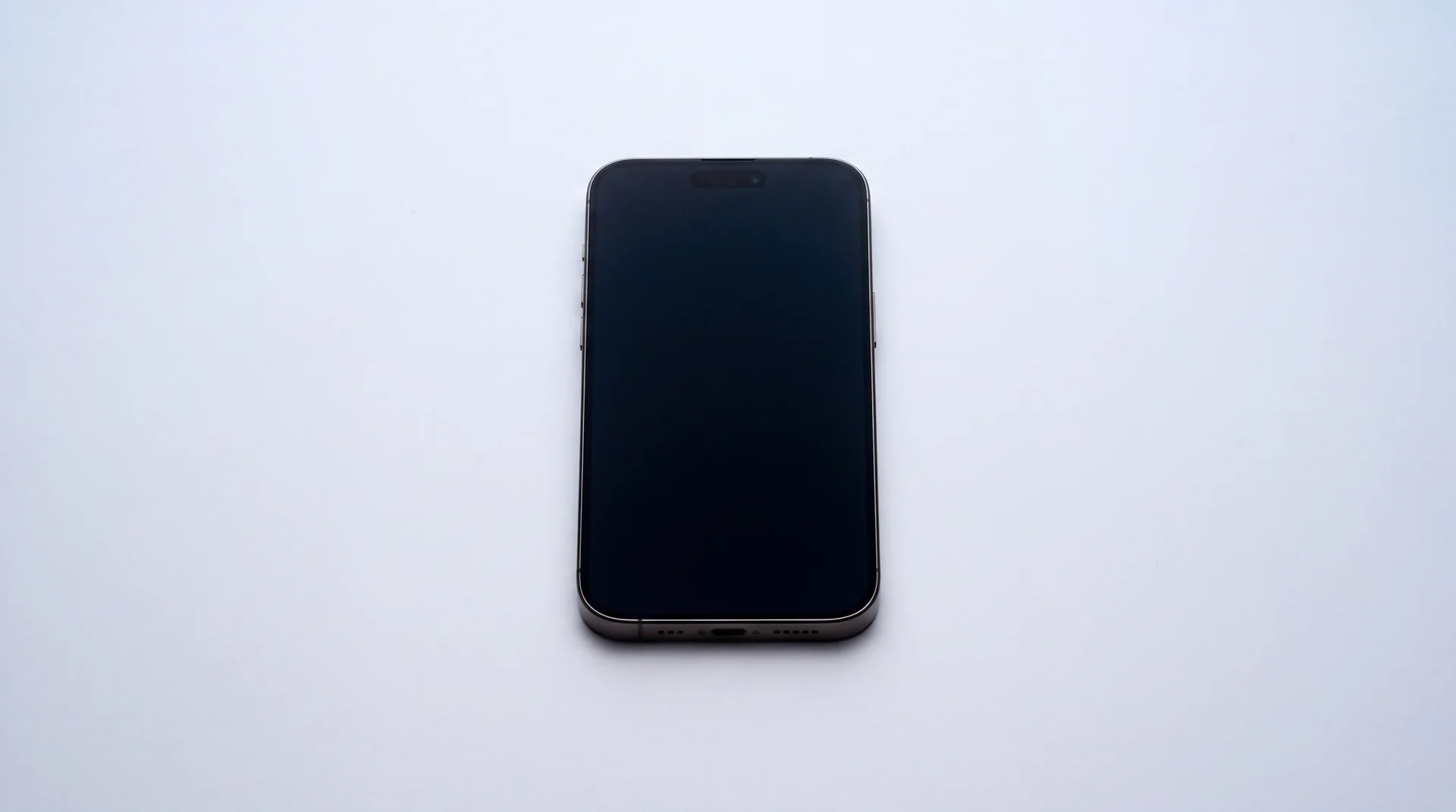
The short answer: force restart your iPhone first, before anything else, because that alone fixes the majority of frozen or unresponsive screens without needing a single tap to work. A frozen touch screen means the display is lit and working but not registering taps, and it is a software fault far more often than a broken one. Only once the full fix order below has genuinely failed, and especially if the phone was dropped or got wet, are you looking at a hardware fault and a real repair.
Why does a touch screen just stop working?
An iPhone screen is capacitive, meaning it does not detect pressure, it detects the tiny electrical charge your skin carries. That is why it works with a bare finger and not with a gloved one. It also means anything that changes that electrical picture, dirt or moisture on the glass, very cold or very dry hands, a case pressing on the edge of the display, or a screen protector that is not fitted properly, can make touch stop registering without a single component being broken.
Software gets blamed less often than it should. A frozen app, a buggy iOS update, or a background process that has locked up the phone can all present as "the screen has stopped working" when the display and the digitiser underneath it are both completely fine. That is worth knowing before you assume the worst, because it is also the easiest thing to fix.
What actually fixes it, in the order that works
Run through these in order. Most unresponsive screens are sorted at step one or two, and none of them cost anything.
Quick fixes
- 1
Force restart it
On an iPhone 8 or later: press and quickly release Volume Up, press and quickly release Volume Down, then press and hold the Side button until the screen goes black and the Apple logo appears. On an iPhone 7 or 7 Plus hold the Side and Volume Down buttons together instead, and on an iPhone 6s or earlier hold Home and the Side or Top button together. This clears the temporary software glitches that cause most frozen or unresponsive screens, and it works even if the screen is not registering any touch at all, because it does not need a single tap.
- 2
Clean the screen and your hands
Touch screens read the tiny electrical charge in your skin. Oil, dust, moisture or even very cold hands change that charge enough to stop touch registering properly. Wipe the glass with a dry, clean microfiber cloth, dry your hands, and try again.
- 3
Remove the case and any screen protector
A cheap or poorly fitted screen protector, or a case that presses against the edge of the display, can physically interfere with touch. Take both off and test the screen bare before you rule anything else out.
- 4
Unplug any cables or accessories
Disconnect any Lightning or USB-C cable, and remove anything plugged into the port. In rare cases a faulty cable or third-party accessory can interfere with how the screen behaves.
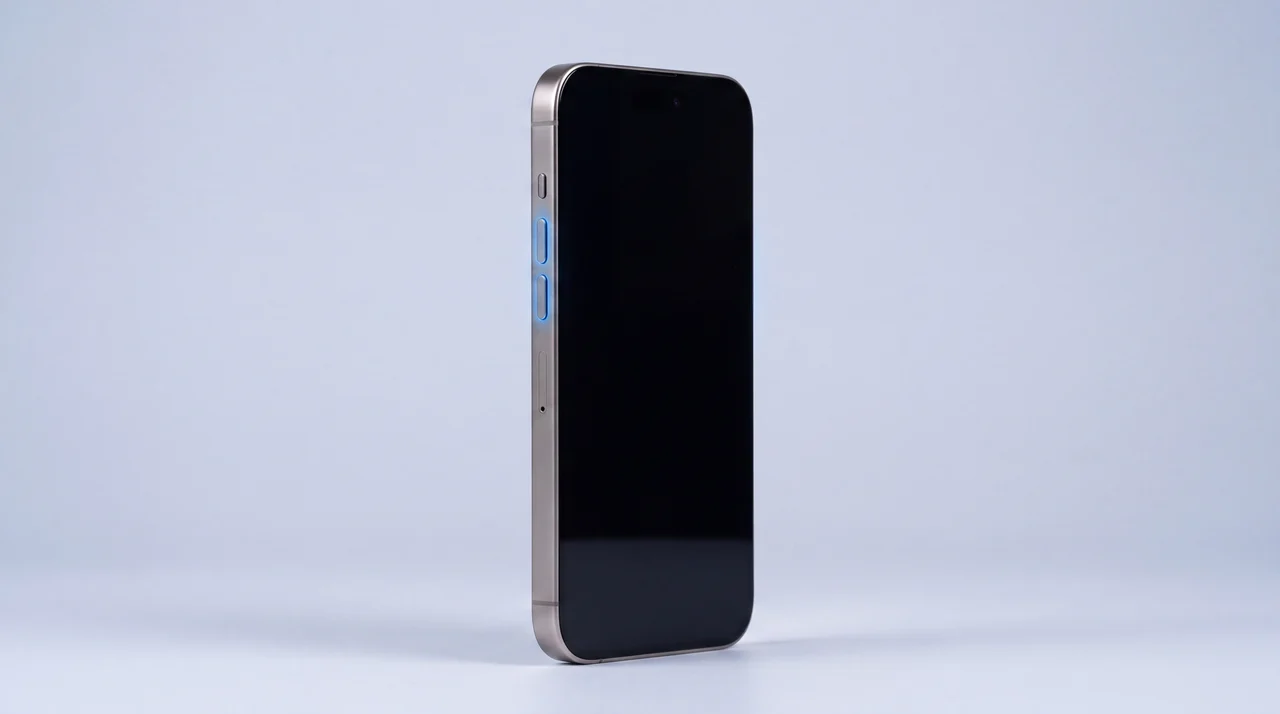
Still nothing? Two more worth trying
- 5
Update iOS
If you can get any touch response at all, even just enough to open Settings, check Settings > General > Software Update. A buggy iOS version is a real, if less common, cause of an unreliable screen, and Apple regularly ships fixes for exactly this.
- 6
Try Touch Accommodations
A setting most people have never heard of. Go to Settings > Accessibility > Touch > Touch Accommodations and turn it on. It changes how long you need to hold a tap before it registers, and it genuinely fixes screens that only misbehave with a screen protector fitted. Worth two minutes before you write the screen off.
Still nothing? Here is when it is genuinely hardware
If it started after a drop or after getting wet, skip straight to this section, the software fixes above are very unlikely to help. If it started right after an iOS update and Update iOS above did not fix it, try one more thing before assuming hardware: connect the phone to a computer, open Finder (Mac) or iTunes (Windows), and let it attempt a software restore, since a botched update can leave the phone in a state a normal restart cannot clear. If none of that helps, or the whole home screen is dead rather than just one app, the fault is almost always the digitiser, the touch-sensing layer built into the display assembly. Three things cause it in practice: a hidden crack you cannot see at a normal viewing angle (tilt the phone and check every edge in bright light before ruling this out), water damage that has corroded the connection between the screen and the logic board, or on an iPhone X and later, a hard drop that has separated the two halves of the internal board stack and severed the touch connection with it.
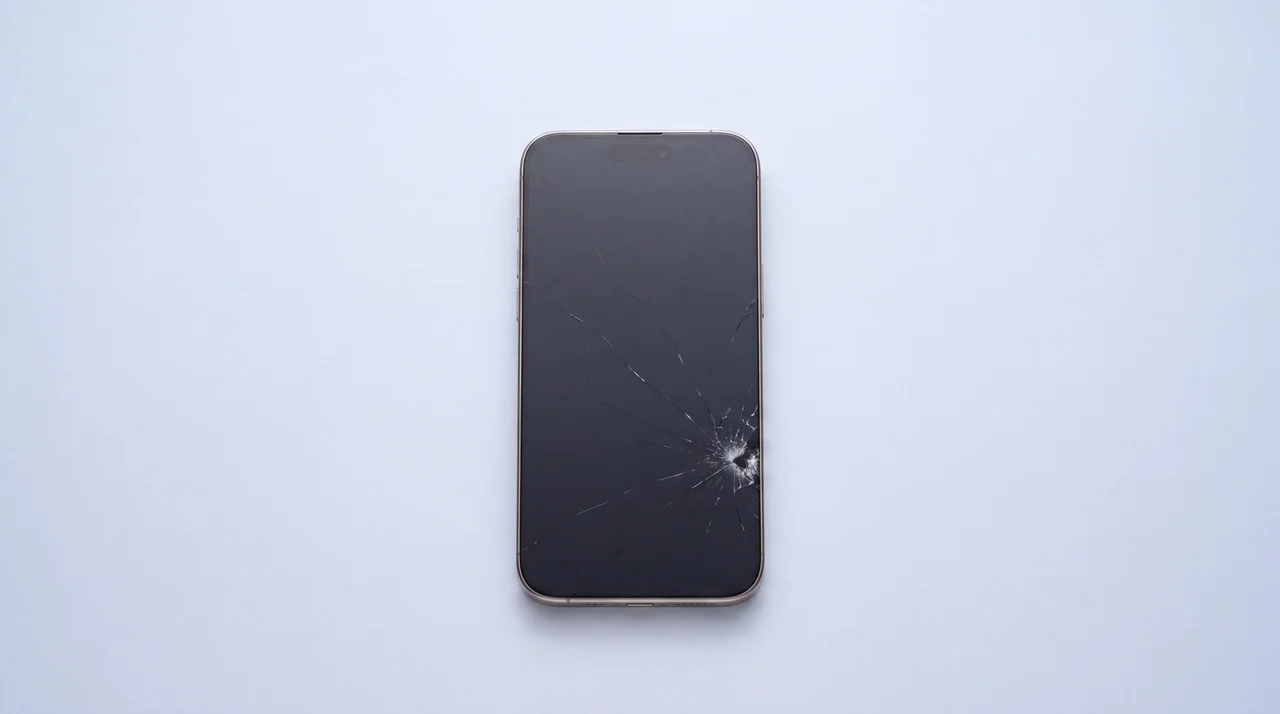
If that is where you have landed, here is the real number rather than a guess.
Real mendmyi price: iPhone 13 screen replacement
Updated automatically from our live price list
Aftermarket screen
£99
Genuine screen
£129
Fitted the same day in most cases, with a 12 months warranty on the part.
See iPhone repair pricesPrefer to know the difference before you choose? Our guide to premium versus aftermarket iPhone screens covers exactly why touch quality varies between the two, including the touch sampling rate gap that shows up on cheaper parts.
One difference is new with iOS 27. If your screen works once the phone is awake but a tap no longer wakes it, and the Tap to Wake switch has vanished from Settings, that is not a touch fault at all: iOS 27 switches Tap to Wake off on replacement screens that were never configured.
From the workbench: two symptoms people mix up
A dead screen and ghost touch feel like the same problem but are not. This guide is about a screen doing nothing, no response at all. Ghost touch is the opposite fault: the screen registers taps and swipes nobody made, opening apps or typing on its own. It is almost always hardware, and it is one of the most common things we see on phones that have already had a cheap aftermarket screen fitted somewhere else.
If a phone has had a screen swapped recently and touch has been odd ever since, the part is usually the problem, not a mystery new fault. We would rather tell you that honestly and fit a proper replacement than have you chase software settings for a hardware issue.
If your device is behaving strangely in other ways too, not just the screen, it is worth ruling those out separately rather than assuming one fault explains everything. A phone that is unresponsive, hot and struggling to keep an app open at the same time is usually a battery or performance issue as well as a touch one, and our guide to making your iPhone battery last longer is worth a read if that sounds familiar.
What a screen repair does not fix
Every mendmyi screen repair reseals the display with genuine Apple screen adhesive, exactly as Apple would, whichever screen quality you choose, Premium or Aftermarket. What no repair can do, ours included, is put a used or previously repaired phone back to the water resistance it had when it was brand new. Once that seal has been opened, nobody can guarantee it back to factory sealing, so treat a repaired phone a little more carefully around water. It matters less than it sounds, though: Apple does not cover liquid damage under warranty even on a phone straight out of the box, so an unrepaired phone was never insured against a soaking either. Our guide to why water-resistant is not waterproof has the exact warranty terms, quoted from Apple, Samsung and Google.
And if the phone is old and this is one of several faults rather than the only one, a screen repair is still worth doing to get your data off it first. Our guide to moving everything across to a new phone covers the easiest way to do that, but the repair may not be worth doing just to keep using the old phone long term. Our guide to whether it is worth repairing or replacing your iPhone walks through that decision.
Do you have consumer rights if it is a genuine fault?
If your iPhone is fairly new, this matters and it is worth knowing before you pay for anything. Under the Consumer Rights Act 2015, you have 30 days from purchase to reject a genuinely faulty phone for a full refund. Between 30 days and 6 months, the retailer gets one attempt to repair or replace it, and within that first 6 months a fault is presumed to have been there from the start, so the burden is on them to prove otherwise, not on you. After 6 months, that burden shifts to you, but you still have up to 6 years to bring a small-claims case in England, Wales and Northern Ireland.
A dead touch screen with no drop, no water and no obvious cause, on a phone you bought recently, is exactly the kind of thing that law was written for. Go back to whoever sold it to you before paying for a repair out of your own pocket.
The bottom line
Force restart first, every time, because it costs nothing and fixes most frozen screens outright. Work through cleaning the screen, removing the case and protector, and the Touch Accommodations setting before you assume the worst. If none of that helps, especially after a drop or a soaking, it is the digitiser, and that is a straightforward, same-day repair with a fixed price, not a reason to buy a new phone. Bring it in for a free diagnostic and you will know exactly which one you are dealing with before you spend a penny.
Frozen iPhone screen: your questions answered
How do I fix an unresponsive iPhone touch screen?
Force restart it first. On an iPhone 8 or later: quick press Volume Up, quick press Volume Down, then hold the Side button until the Apple logo appears. On an iPhone 7 or 7 Plus hold Side and Volume Down together; on an iPhone 6s or earlier hold Home and Side together. That alone fixes most frozen screens because it does not need any touch input to work. If that does nothing, clean the screen, take off the case and any screen protector, unplug any cables, and try Settings > Accessibility > Touch > Touch Accommodations. If none of that helps and the phone was recently dropped or got wet, it is very likely a genuine hardware fault.
Why is my iPhone not allowing me to touch the screen?
Most of the time it is one of four things: a temporary software glitch (fixed by a force restart), dirt, moisture or cold hands changing the tiny electrical signal your skin sends the screen, a case or screen protector physically interfering, or a buggy iOS version. If none of those apply, and especially if the phone has been dropped or exposed to water, the cause is usually the digitiser, the layer under the glass that actually senses touch, and that needs a physical repair.
How do I reset an iPhone with no touch screen?
You do not need to touch the screen to force restart an iPhone. On an iPhone 8 or later: quick press Volume Up, quick press Volume Down, then hold the Side button until you see the Apple logo. On an iPhone 7 or 7 Plus it is Side and Volume Down held together, and on an iPhone 6s or earlier it is Home and Side held together. It is entirely button-based, which is exactly why it is the first thing worth trying on a screen that will not respond to a single tap.
Why is my phone not responding to my touch?
The screen either is not detecting your finger at all (usually software, dirt, moisture, or a genuinely dead digitiser) or it is registering touches you did not make, known as ghost touch, which is a different fault, almost always hardware, and usually caused by a damaged screen, water ingress, or a poor-quality replacement part. If your screen is doing nothing rather than doing something on its own, work through the fix order above before assuming the worst.
How much does it cost to fix an unresponsive touch screen on an iPhone?
On an iPhone 13, we charge £99 for an aftermarket screen or £129 for a genuine one, fitted the same day in most cases, with a 12 months warranty on the part. Price varies a little by model, so we always give you a fixed quote before any work starts.
Does a screen repair fix ghost touch too?
Yes, if ghost touch is caused by a damaged or failing digitiser, which it usually is, a screen replacement fixes it because the digitiser is built into the same assembly as the glass on every modern iPhone. It will not fix ghost touch caused by a poor-quality third-party screen fitted elsewhere; in that case the part itself needs replacing with a better one, not the same fault repeated.
Still not responding? Let us take a look
Free diagnostic, a fixed written quote before anything chargeable happens, and a 12 months warranty on every repair.