

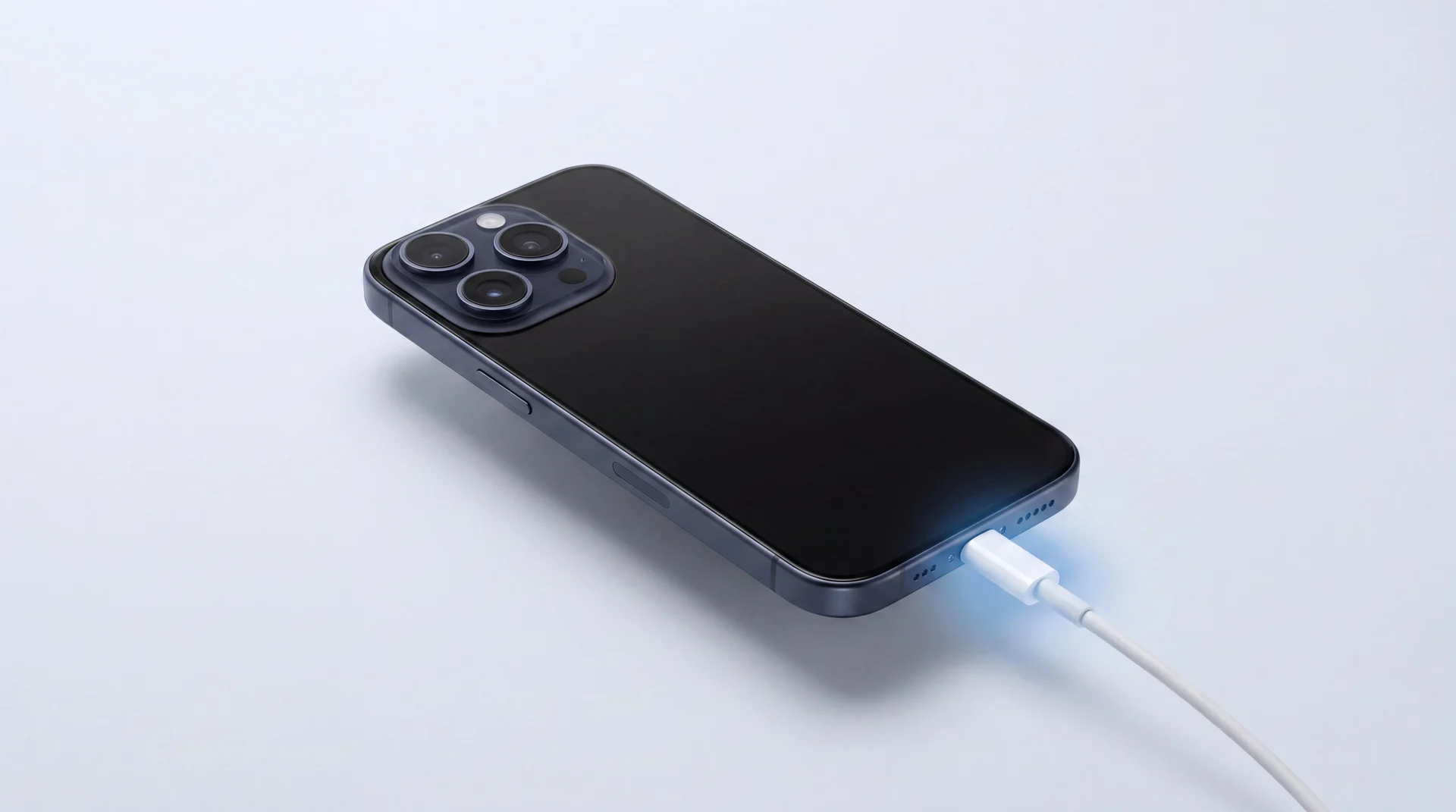
The short answer: three habits do most of the work. Keep your iPhone cool, do not leave it sitting at 100% for hours on end, and let iOS manage the charging for you. Those slow the wear. But no battery lasts forever, so further down we cover how to tell when yours is simply worn out, and the cheapest way to fix it.
There are two different battery problems
When people say their battery does not last, they usually mean one of two things, and the fixes are completely different. One is a phone that is fully charged at 9am and flat by teatime: that is day-to-day drain, and you can often sort it in Settings in five minutes. The other is a battery that used to last all day and no longer does, no matter what you change: that is long-term wear, the cell has chemically aged, and the only real fix is a new battery.
It is worth knowing which one you are dealing with, so we will tackle both - the quick wins first, then the honest bit about wear. If it turns out the whole phone is on its way out, our guide on whether it is worth repairing your iPhone walks through the maths.
Stop the drain today
If your battery is vanishing during the day, start by finding what is eating it, then change the few settings that matter most.
Find the culprit first
Settings > Battery shows which apps have used the most power over the last day or ten days. Fix what is actually draining it rather than guessing.
Background App Refresh
Settings > General > Background App Refresh. Apps update in the background so they are fresh when you open them, but it costs power. Turn off the worst offenders, or set it to Wi-Fi only.
Location Services
Settings > Privacy & Security > Location Services. Apps set to 'Always' can wake your phone to check where you are. Move the ones that do not need it to 'While Using'.
Screen brightness
The screen is the single biggest drain. Pull brightness down from Control Centre and leave Auto-Brightness on (Settings > Accessibility > Display & Text Size).
Low Power Mode
Settings > Battery. One tap trims Mail fetch, background refresh and some visual effects. Made for when you are low, but fine to leave on.
What exactly is a battery cycle?
You will see batteries rated in charge cycles, and it is worth knowing what one actually is, because it is not what most people think. A cycle is not a single plug-in. Apple counts one full cycle when you have used 100% of your battery's capacity in total, however that adds up. Charge from 50% to 100% today and 50% to 100% tomorrow, and that is one cycle between them, not two. So topping up little and often does not use up cycles any faster than one big charge.
How many cycles you get
Apple rates iPhone 14 models and earlier to keep 80% of their original capacity at 500 complete charge cycles, and iPhone 15 models at 1,000 - both under ideal conditions, which is Apple's own caveat, not ours (checked 31 August 2026). For most people that is roughly a cycle a day, so even an older iPhone is good for well over a year before you would notice, and a newer one far longer.
It also kills an old myth: you do not need to run the battery flat before charging. Modern lithium batteries actually prefer the opposite, so charge whenever it suits you.
Charge it the way that lasts
If you want to slow the wear, the science is settled and simple. Lithium batteries age fastest when they are hot, and when they sit full for long stretches. Three things follow from that.
Keep it cool
Heat is the big one. Apple designs the iPhone for ambient temperatures between 0°C and 35°C, and warns that using, charging or even just leaving it somewhere hotter than that can permanently reduce battery capacity (checked 31 August 2026). Keep it out of direct sun and off the car dashboard, and take a thick case off if it gets hot while fast charging.
Do not live at 100%
A battery held full all the time wears faster than one kept nearer the middle. You do not need to obsess over it, but topping up through the day, rather than leaving it pinned at 100% for hours, is kinder to the cell.
Let iOS do the work
Optimised Battery Charging is on by default and learns your routine: it holds the charge at 80% overnight and finishes to 100% just before your usual wake-up, so the phone spends less time full (Apple, 2026). On iPhone 15 and later you can go further - Settings > Battery > Charging lets you cap charging anywhere from 80 to 100%, ideal if you often leave it plugged in. On iOS 26, Adaptive Power can quietly tune things on heavy days and switch to Low Power Mode at 20%.
Is it bad to charge overnight?
No need to change the habit. The phone stops charging at full and only starts again once the level has slipped more than 5% below that (checked 31 August 2026), so a night on the cable is not eight hours of topping up. The things worth actually avoiding are the two above: heat, and hours pinned at 100%.
How to check your battery health
When good habits stop being enough, your phone will tell you. Go to Settings > Battery > Battery Health (or Battery Health & Charging on iPhone 14 and earlier). Maximum Capacity is the headline number - how much charge your battery holds now compared with when it was new - and as it falls, your screen-on time falls with it. You may also see Service, which means Apple's own formula has decided the battery is finished. Apple has never published that formula, so nobody outside Cupertino can tell you what tipped it over.
Ours is not a secret. Under 80%, replace it. Between 81 and 90 it is your call: the phone works, but performance can tail off and you will feel it on a long day. Above 90, leave it alone and spend the money on something else. Wear often shows up as speed before it shows up as run time, because iOS quietly caps the processor to protect a tired battery - our guide to why an iPhone gets slow covers how to check whether that is what is happening to yours.
When habits are not enough
A worn battery is one of the cheapest, quickest fixes there is, and it can make an older iPhone feel new again. Here is a real one from our shop.
Tell us your model for a fixed battery-replacement quote. See iPhone repair options.
Replace the battery
If the phone is otherwise good and still gets updates, a new battery is the cheapest fix and often the only one you need. Fixed written quote first, most done the same day, 12 months warranty on the parts we fit.
See iPhone repair pricesSell it to us
Done with it, even with a tired battery? We buy phones outright. Tell us the model and condition for a clear quote, get paid by bank transfer, and let us deal with wiping and reselling it.
Get a price for your phoneTrade in for an upgrade
Fancy something newer? Put the value of your old phone towards a professionally refurbished one from our shop and pay less than buying outright, with a 12-month warranty.
Browse refurbished phonesUpgrading? We move everything across for you
If the battery is the last straw and you would rather move on, buy or trade in with us and we do the setup in store: your photos, messages, apps and accounts moved across, the new phone signed in and ready, the old one wiped. You walk out with a phone that already feels like yours.
The bottom line
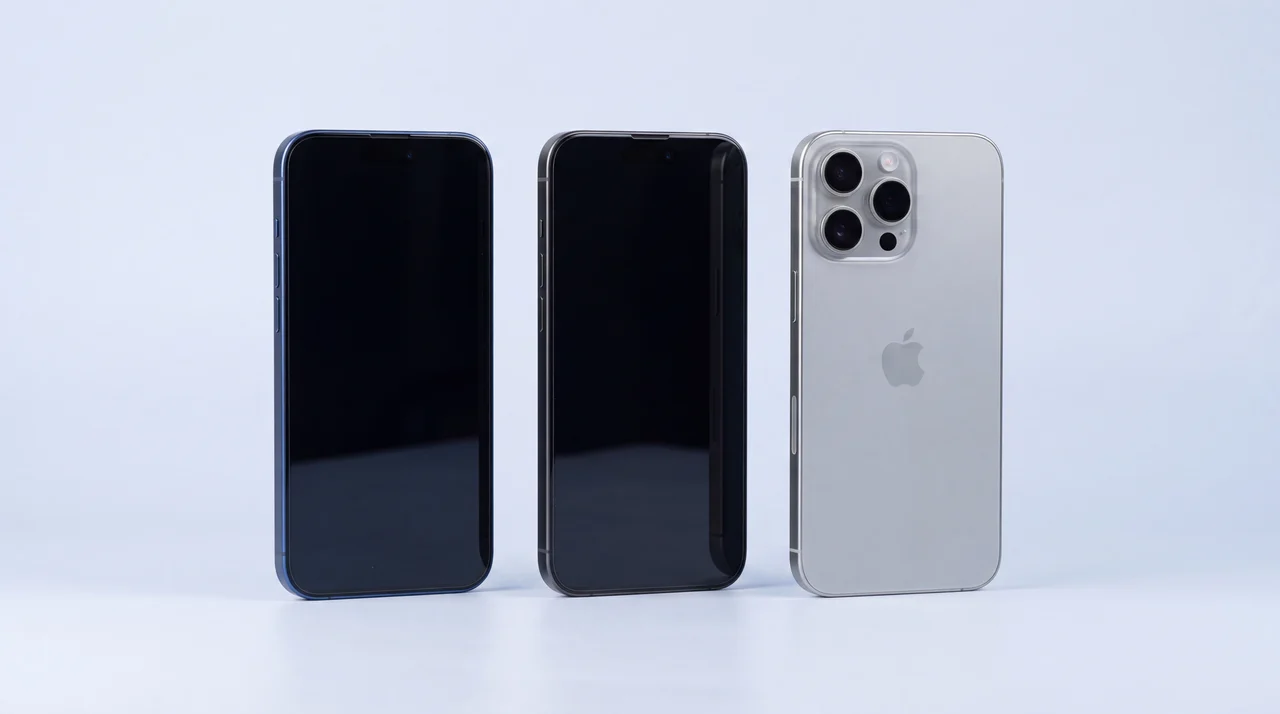
Good habits genuinely help: keep your iPhone cool, do not leave it pinned at 100%, let iOS manage the charging, stick to certified cables and chargers, a bargain-bin one can damage the charging chip itself, and trim the settings that quietly drain it day to day. Do all that and you will get the most out of the battery you have. But every lithium battery wears out in the end, and when yours does, that is not a reason to buy a whole new phone - a battery replacement is usually the cheapest fix and often the only one you need. Check your battery health, and if it is tired, bring it in for a fixed quote. If the phone has truly had its day, we will tell you straight and help you move on, data and all.
iPhone battery life: your questions answered
How can I make my iPhone battery last longer in a single day?
Open Settings > Battery to see which apps are using the most power, then tackle the worst. Turn the screen brightness down and leave Auto-Brightness on, limit Background App Refresh (Settings > General > Background App Refresh), switch any "Always" location apps to "While Using", and flick on Low Power Mode when you are running low. Those few changes make the biggest difference to a day of use.
What is the best charge level to keep my iPhone battery healthy?
Batteries are happiest kept nearer the middle than pinned at 100% all day, and they hate heat. You do not need to micromanage it: leave Optimised Battery Charging on, and on iPhone 15 and later you can set a charge limit of 80 to 100% under Settings > Battery > Charging, which helps if the phone is plugged in for long stretches.
Is it bad to leave my iPhone charging overnight?
No. It stops when it reaches full and only starts again once the level has slipped more than 5% below that, so it is not being topped up all night (Apple, checked August 2026). Optimised Battery Charging goes one better by holding at 80% until just before you wake, so the battery spends less time full.
What exactly is a battery charge cycle?
One charge cycle is using 100% of your battery capacity in total, which can build up across several part-charges rather than one full 0 to 100%. Apple rates iPhone 14 models and earlier to keep 80% of their capacity at 500 complete cycles, and iPhone 15 models at 1,000, under ideal conditions. For most people that is well over a year of daily use before you would notice any drop.
How do I check my iPhone battery health?
Go to Settings > Battery > Battery Health (it is called Battery Health & Charging on iPhone 14 and earlier). The Maximum Capacity figure shows how much charge your battery holds now compared with new. If it says Service, Apple's own formula has decided the battery is done, though Apple has never published how that formula works. Our rule of thumb is plainer: under 80% replace it, 81 to 90 is your call, above that leave it be.
When should I replace the battery instead of the whole phone?
If the phone works fine in every other way and still gets iOS updates, but the battery no longer lasts, a replacement is almost always the right call - it is one of the cheapest, quickest repairs we do and brings all-day life back. We give you a fixed written quote first, most are done the same day, and the part carries a 12-month warranty. If the phone is failing in several ways at once, that is when selling or upgrading can make more sense.
Tired battery? Get a fixed quote
A fixed written battery-replacement price, most done the same day, backed by our 12-month warranty. Or sell it and upgrade - we will set the new one up for you.