

- Affects
- iOS 27.0 and 27.0.1
- Apple’s position
- No comment yet
- Last checked
- 2 October 2026
If your iPhone has had its screen replaced and Tap to Wake vanished when you updated to iOS 27, the screen is almost certainly why. iOS 27 switches Tap to Wake off on any replacement screen that has not been configured through Apple’s Repair Assistant, and it does it to genuine Apple screens as readily as aftermarket ones. If the screen can be configured, the feature comes straight back.
Quick check: open Settings, Accessibility, Touch. If the Tap to Wake switch has vanished from that list, this is what has happened to your phone. Jump to the 30-second check.
Tap to Wake is the setting that lights your iPhone’s screen when you tap the glass, rather than pressing the side button or lifting the phone. It has been part of every Face ID iPhone for years, and most people only notice it when it stops.
Phones with replacement screens that woke on a tap on iOS 26 lose the feature the moment they update. Not flaky, not intermittent. Gone, and the switch that controls it missing from Settings. Apple has said nothing about it, so here is what is known, what is not, and what to do about it.
What exactly did iOS 27 change?
iOS 27 made Tap to Wake depend on the screen being configured. Before, a replacement screen that worked, worked: if the touch layer registered a tap, the phone woke up. The operating system did not ask where the screen had come from.
Now it does. Apple has a process for this called Repair Assistant, which pairs a replacement part to the phone and marks the repair as finished. On iOS 27, a screen that has been through that process keeps Tap to Wake. A screen that has not loses it, and it loses it the moment the phone installs the update, on the very same screen that was waking perfectly well the day before.
What happens, on both 27.0 and 27.0.1:
- Tap to Wake stops working completely, not some of the time.
- The Tap to Wake switch disappears from Settings, Accessibility, Touch. It is not greyed out. It is not listed.
- Raise to Wake still works, and so does the side button.
- Touch works normally once the phone is awake. Typing, scrolling and swiping are unaffected.
- Configuring the screen, where Apple’s system accepts it, brings Tap to Wake back.
The screen has not stopped detecting taps: it registers every touch once the phone is awake. What is missing is Apple’s approval of the part. That is a gate, not a fault, and it was not there on iOS 26.
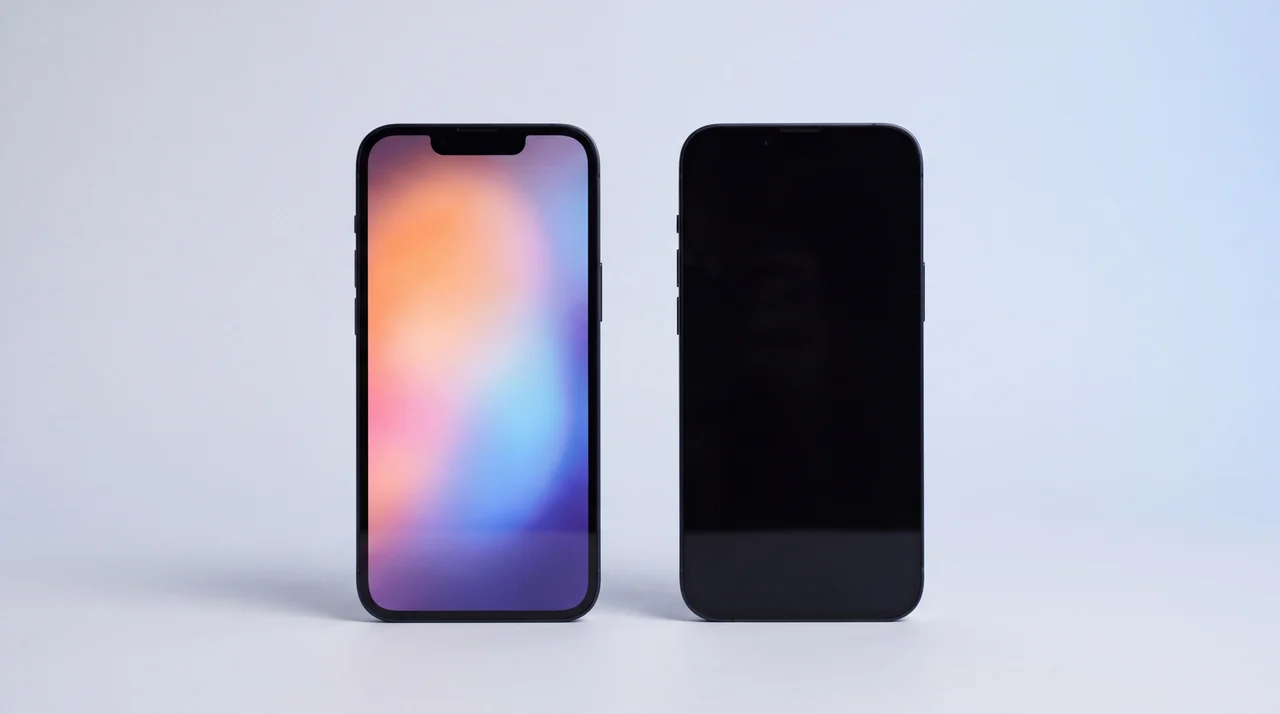
Illustration: same model, same iOS 27. Give one of them a replacement screen that was never configured, and a tap no longer wakes it.
How do I know if this is what is happening to my phone?
Two places in Settings tell you in about 30 seconds: Accessibility, Touch for the missing switch, and Parts & Service History for the screen’s status. The missing switch is the giveaway. Most Tap to Wake guides will tell you to turn the setting off and on again, which is sound advice right up until the setting is not there to turn.
Look for the switch
Settings, Accessibility, Touch. On a phone that is fine, Tap to Wake sits in that list with a toggle. On an affected phone, the toggle is not greyed out or stuck off. It is simply not there.
Check the screen’s history
Settings, General, About, then Parts & Service History. If Display is listed as Unknown, or it says Finish Repair, the screen has been replaced and iOS does not regard it as configured.
Rule out the ordinary iOS 27 touch bug
If the Tap to Wake switch is still there and the phone only wakes some of the time, that is a different problem. iOS 27 has had general touch complaints on phones that have never been opened, and 27.0.1 fixed one of them. Update, restart, and see whether it settles.
Apple’s own labels for that Parts & Service History screen are set out on its page about genuine iPhone displays, checked 30 September 2026: Genuine, Used, Finish Repair and Unknown. The same page lists True Tone, the ambient light sensor and Multi-Touch as things a non-genuine display can affect. Tap to Wake is not on it, and there is no mention of iOS 27.
Which iPhones are affected?
Every iPhone that runs iOS 27 and has Tap to Wake, which is every model from the iPhone 11 onwards apart from the two SE models. That is 31 phones. Whether you can do anything about it depends on one more list: the models Apple’s Repair Assistant can configure a screen on.
| Models | Loses Tap to Wake? | Can the screen be configured? |
|---|---|---|
| iPhone 12 to iPhone 18 Pro Max iPhone 12, 13, 14, 15, 16 and 17 ranges, iPhone 18 Pro and iPhone 18 Pro Max, plus iPhone 16e, iPhone 17e and iPhone Air | Yes, if the screen has been replaced and not configured | Only if Apple’s configuration accepts it: a genuine display still paired with its original sensor flex. |
| iPhone 11 range iPhone 11, 11 Pro, 11 Pro Max | Yes, if the screen has been replaced | Only through Apple, an Apple Authorised Service Provider or an Independent Repair Provider. Repair Assistant does not cover it. |
| iPhone SE (2nd and 3rd generation) iPhone SE 2020, iPhone SE 2022 | No. These models never had Tap to Wake. | Not needed |
Sources, all Apple and all checked 30 September 2026: the iOS 27 compatibility list, the iOS 27 user guide’s list of models that support Tap to Wake, and Use Repair Assistant to finish an iPhone or iPad repair, which covers display repairs on the iPhone 12 and later.
The iPhone 11 is the odd one out. It runs iOS 27 and it has Tap to Wake, but Repair Assistant, Apple’s self-service route, does not cover it. Configuring a replacement screen on an iPhone 11 needs Apple itself, an Apple Authorised Service Provider or an Independent Repair Provider, and Apple’s own price for an iPhone 11 screen repair is £219.
And the iPhone Duo? It is not on either list yet, because it is not out yet. Apple’s foldable goes on sale on 23 October 2026 running iOS 27.1, and until one has had a screen replaced nobody can say whether it behaves the same way. We will add it here as soon as we know.
Is this a bug, or has Apple switched it off on purpose?
We do not know, and neither does anyone else outside Apple.
The case for deliberate is that it is so tidy. The switch is removed from Settings rather than left broken, it happens on every phone with an unconfigured screen, and it reverses the instant the screen is configured. That does not look like a driver failing to talk to a panel. It looks like a rule.
The case for a bug is that a genuine Apple screen is caught too. A genuine part pulled from another iPhone and fitted without configuration loses Tap to Wake in exactly the same way as a third-party panel. If the aim were to penalise non-genuine screens, it has landed on Apple’s own. And nothing Apple has published explains it: not the 27.0.1 update, which fixed a different touch problem involving Control Centre and Notification Centre, and not its genuine display page.
We are not the only ones seeing it. A repair shop in Sydney reported the same behaviour on 25 September, on aftermarket screens, with Raise to Wake and the side button still working.
We hope it is a bug, because bugs get fixed. If you are affected, tell Apple through its iPhone feedback page. Say which model, which iOS version, that the phone had a replacement screen and that Tap to Wake worked on iOS 26. Feedback from owners is how a quiet side effect becomes a line in a point release. We will update this page the moment anything changes.
What can I do if my phone already has a replacement screen?
It depends on whether the screen passes Apple’s configuration, and being genuine is not enough. Apple only configures a genuine display that still has its original, factory-paired sensor flex. Pass that and Tap to Wake comes back. Fail it, as every aftermarket screen does and plenty of genuine ones do, and there is no route back yet, so use Raise to Wake or the side button. We explain that pairing in our guide to premium versus aftermarket iPhone screens.
A screen Apple will configure
Configure it and Tap to Wake returns
A genuine Apple display with its original sensor flex. On an iPhone 12 or later it can be run through Repair Assistant: Settings, General, About, Parts & Service History, then Restart & Finish Repair. Once it completes, Tap to Wake comes back.
On an iPhone 11, the same screen has to be configured by Apple, an Apple Authorised Service Provider or an Independent Repair Provider. If the option is not offered or fails, bring it to whoever did the repair.
A screen Apple will not configure
There is no configuration route, for now
Any aftermarket screen, and any genuine display that has lost its original paired sensor flex. Configuration fails, so on iOS 27 there is no Tap to Wake. The screen is not faulty: it registers every touch once the phone is awake. Use Raise to Wake or the side button in the meantime.
If Tap to Wake matters to you, the lasting fix today is a genuine screen that passes configuration. Otherwise, report it to Apple and wait to see whether a point release changes things.
Can I go back to iOS 26?
No. On 2 October 2026 Apple was signing only iOS 27.0 and 27.0.1 for the iPhone 11 and later, according to the IPSW.me signing tracker. Once a phone has updated, it stays on iOS 27.
If your phone has a replacement screen and is still on iOS 26, you now know what the update will cost you. You can hold off for a while, but we would not sit on an old version for long. Updates carry security fixes, and every future update will carry this same behaviour unless Apple changes it.
Should this change which screen you choose?
Yes, if you use Tap to Wake. Until iOS 27, the choice between a genuine screen and a good aftermarket one came down to True Tone, colour accuracy, a small battery difference and price. It now also decides whether your phone wakes when you tap it.
To put a number on it: on iPhone 15, our Aftermarket Screen Repair is £115 and our Screen Replacement with a genuine Apple screen is £229. On iOS 27, that £114 difference now also buys you Tap to Wake.
If you choose our premium screen repair on an iPhone 12 or later, the genuine screen is configured before the phone goes back to you, which is why it reads Genuine or Used in Parts & Service History rather than Finish Repair, and why Tap to Wake keeps working. Our aftermarket screen cannot be configured, so on iOS 27 it comes without Tap to Wake. It is still a sound repair for plenty of people, at a real saving. We will tell you at the counter what it now gives up, so the first you hear of it is not a dark screen on your bedside table.
We have also added Tap to Wake to our full comparison of premium versus aftermarket iPhone screens, alongside True Tone, colour and battery, so the whole trade-off is in one place. Prices for every model are on our iPhone repair page.
The bottom line
On iOS 27, a replacement iPhone screen that Apple’s system has not configured loses Tap to Wake, genuine or not, which is why a phone that woke on a tap last month may not this month.
If the screen passes Apple’s configuration, that fixes it. If it cannot, because it is aftermarket or a genuine display without its original paired sensor flex, nothing fixes it yet, and Raise to Wake is your friend until Apple says or does something. If the Tap to Wake switch is still in your settings, this is not your problem at all, and our guide to an iPhone touch screen not working is the place to start.
And if the phone is still in one piece but you are weighing up whether a fresh screen is worth it at all, our repair-or-replace guide works through the numbers.
iOS 27 Tap to Wake: your questions answered
Why is Tap to Wake not working on my iPhone after iOS 27?
If your iPhone has had its screen replaced, the most likely reason is that the replacement screen was never configured with Apple’s Repair Assistant. On iOS 27 and 27.0.1, a phone with an unconfigured screen loses Tap to Wake entirely, and the switch disappears from Settings, Accessibility, Touch. This applies to aftermarket screens and to genuine Apple screens alike. If the switch is still there and the phone just wakes intermittently, that points instead to the general touch problems some people have had on iOS 27, which are worth updating and restarting for.
Why does Tap to Wake stop working after a screen replacement?
Before iOS 27 it usually came down to the quality of the replacement panel or a connector not seated properly, and it varied from phone to phone. iOS 27 changed that. It now ties Tap to Wake to whether the screen has been configured through Apple’s own process, so a phone that woke perfectly well on iOS 26 with the very same screen can lose it the moment it updates. Nothing about the screen itself has changed. What changed is the software’s view of it.
Will Apple fix Tap to Wake on replacement screens?
Nobody outside Apple knows yet. Apple has not commented, and its own support page on genuine displays, updated on 22 September 2026, does not mention Tap to Wake at all. The behaviour is clean enough to look deliberate, because configuring the screen brings the feature straight back, but it could equally be a side effect nobody intended. If it is a bug it will very likely be fixed in a point release, and reporting it to Apple through its iPhone feedback page is the most useful thing an affected owner can do.
Can I go back to iOS 26 to get Tap to Wake back?
No. As of 2 October 2026 Apple is only signing iOS 27.0 and 27.0.1 for the iPhone 11 and later, so a phone that has updated cannot be put back on iOS 26. If your phone has a replacement screen and has not updated yet, you can hold off, but we would not recommend staying on an old version for long, because updates carry security fixes and every future update will carry this same behaviour unless Apple changes it.
Does Raise to Wake still work with an unconfigured screen?
Yes. Raise to Wake carries on working as normal, as does pressing the side button. Only Tap to Wake goes. If you had Raise to Wake turned off because you preferred tapping, it is worth turning it back on in Settings, Display and Brightness while this is unresolved.
How do I know if my iPhone screen is genuine or has been replaced?
Go to Settings, General, About, then Parts & Service History. That section only appears once a part has been replaced. Apple labels a display Genuine when it is a configured Apple part, Used when it is a genuine part that came out of another iPhone, Finish Repair when a new genuine part is waiting to be configured, and Unknown for a non-genuine part or one that cannot be verified. If there is no Parts & Service History section at all, nothing iOS can detect has been replaced.
Tap to Wake gone after a screen repair?
Bring it in and we will check what screen it has and whether it can be configured. The diagnosis is free, and if it needs a genuine screen you get a written quote first, with a 12 months warranty on the work.