

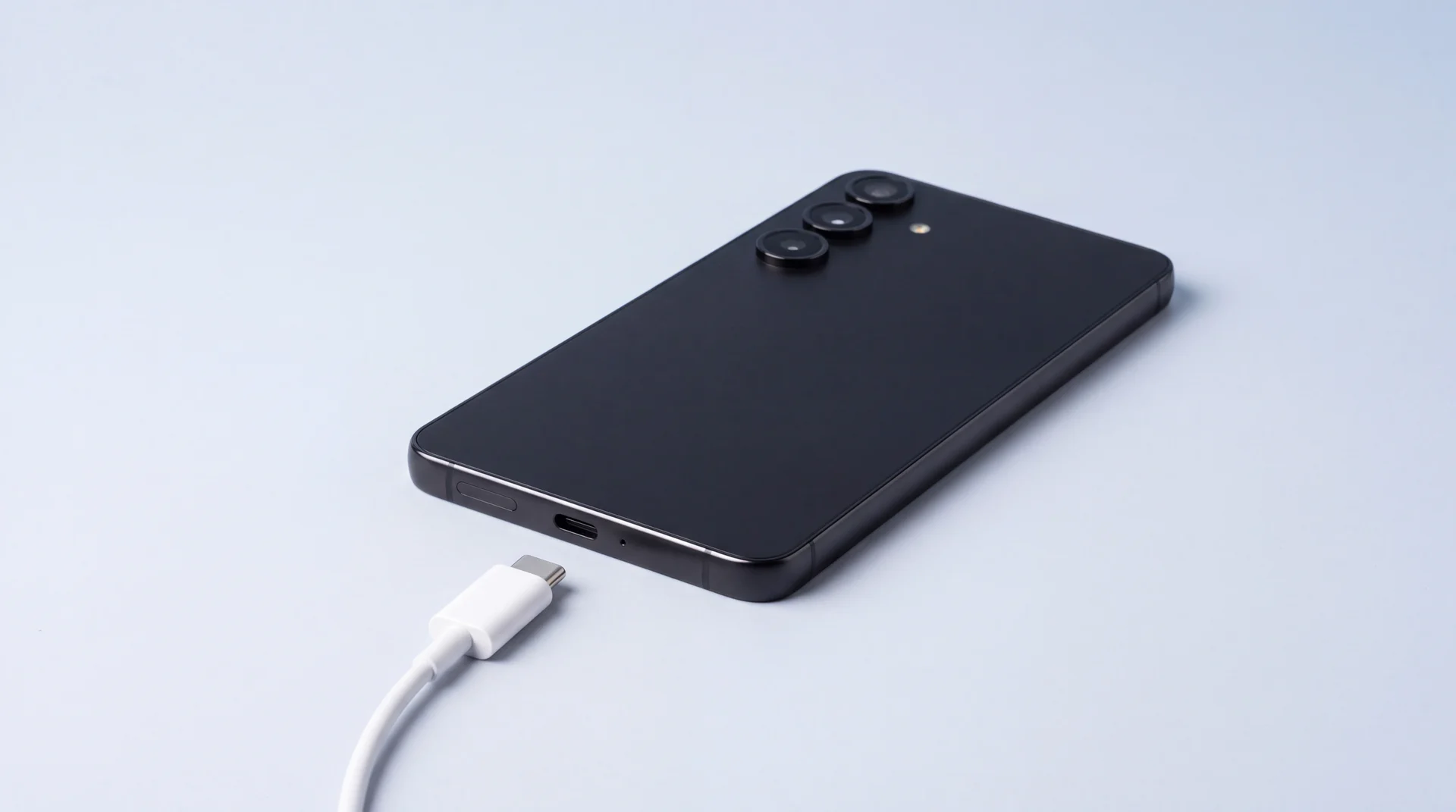
If your Galaxy says “Moisture detected” and it has been nowhere near water, check the cable before you worry about the phone. The warning comes from a sensor in the USB-C port that looks for an electrical path between the port’s pins where there should not be one. Water creates that path. So can a damp or dirty cable tip, lint packed into the port, a humid bathroom, or a sticky film that keeps pulling moisture out of the air.
On a phone that is genuinely dry, the cable and the port are the usual culprits, and one of them is easy to miss: a cable that also charges a vape. Samsung’s own support page tells you to try a different cable because “moisture may be present in your cable”. It is the first thing to try, and it costs nothing.
The fix, in short: unplug it, shake the port out gently, let the phone air for an hour or two, try a different clean cable, then clear the USB Settings cache and restart. If a clean cable on a dry phone still brings the warning back, the port itself needs checking. Jump to the steps.
Here are the four things that set it off on a dry phone, how to tell them apart, and what to do about each.
| Likely cause | The giveaway | What to do |
|---|---|---|
| The cable | The warning appears with one cable, and a different cable charges normally. | Wipe the plug with a dry cloth. If that cable keeps doing it, retire it. |
| A cable shared with a vape | The same cable charges a vape, and its tip feels tacky or looks cloudy. | Give the vape its own cable, and keep that one away from the phone. |
| Lint or debris in the port | The phone lives in a pocket or bag, and the warning comes and goes. | Port facing down, a few gentle taps against your hand. Nothing inside it. |
| Humidity or a stuck setting | It started after a shower or a steamy kitchen, or it shows with every cable. | Let the phone air for an hour or two, then clear the USB Settings cache. |
If your phone has been in water, this is the wrong page: follow what to do in the first hour after water damage instead, because what matters there is what is happening inside the phone, not the port.
The sensor measures the port, not water
Samsung fits a moisture detection sensor to its water-resistant phones, which it says covers most of the Galaxy range (checked 30 September 2026). When it trips, the water drop icon appears and the phone refuses to charge through the port.
What it actually measures is resistance. USB-C port controllers test for a leak of current between the port’s pins and ground. The datasheet for onsemi’s FUSB251 describes moisture making “a leakage path” between pins that the chip reads as resistance. Once it drops below a threshold, the port is switched off “to protect from corrosion”. Kinetic’s equivalent chip puts that threshold at usually less than one megohm. Samsung does not publish which controller its phones use, but Android’s own source code names the feature contaminant detection, not water detection.
A chip measuring resistance cannot tell a drop of water from anything else that lets a little current through. Samsung’s own pages say as much in plainer terms. Its water drop guide names high humidity (a bathroom after a shower, a steamy kitchen) and moisture in the cable. Its not-charging guide adds that dust or debris stuck in the charging port or cable connector can block charging for safety. Google’s Pixel phones show a message about “liquid or debris” for the same reason.
The warning means something is bridging the pins. Water is just the most common thing that does it.
Start with the cable, not the phone
The cable is the cheapest part of the whole setup and the easiest to rule out, so start there. Its plug goes into the port every day and carries whatever is on it straight onto the pins: pocket fluff, a bit of damp from a bag at the gym, grime from a car’s USB socket. Samsung’s troubleshooting puts “try a different cable” on the same list as drying the phone.
The test takes a minute. Take a cable that has lived on a desk rather than in a bag, wipe its plug on a dry cloth, and plug it in. If the phone charges and the warning stays away, the phone is fine and the other cable is the problem. If one particular cable brings the warning back every time, it is not worth cleaning. Replace it.
Cable quality matters in the other direction too. A poor cable can do real damage to the charging circuit on the phone’s side, which we cover in how a cheap cable can damage an iPhone’s charging chip. The connector is the same USB-C on a Galaxy.
The cable that also charges a vape
About one adult in ten in Great Britain vapes: 10% according to ASH’s July 2026 survey, and 10.0% in the ONS figures for 2024. Since single-use vapes were banned on 1 June 2025, almost all of those vapes are rechargeable. ASH puts disposables at 8% of main devices, down from 31% in 2023. Many rechargeable vapes charge over USB-C, so the cable on the bedside table often charges both the phone and the vape.
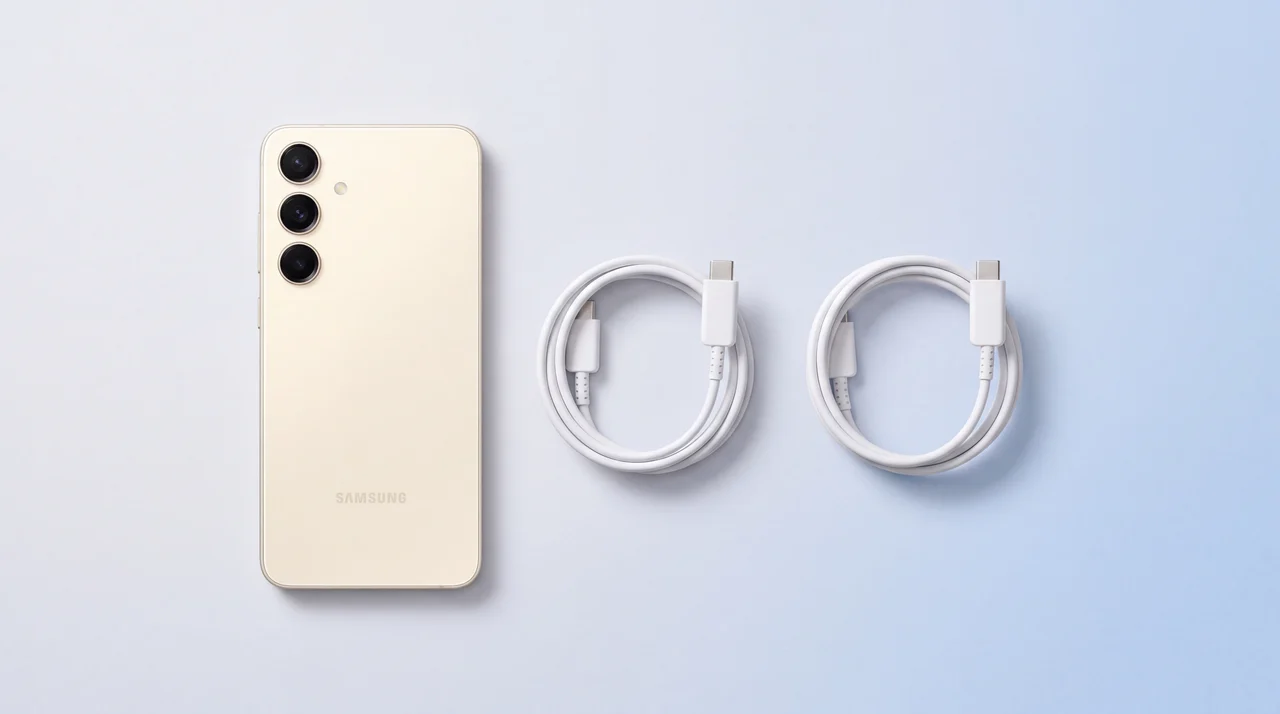
E-liquid is mostly propylene glycol and vegetable glycerine, according to the NHS, plus flavourings and nicotine. Both of the main ingredients are hygroscopic: they absorb moisture from the air. And e-liquid gets into vape charging ports. Vape retailers’ own troubleshooting guides warn about it, and tell you not to charge a device once it has happened.
So a cable that goes into a vape’s port can come out with a film of e-liquid on its tip, and the next thing it plugs into is your phone. Water in a port dries out in an hour or two. A smear of glycerine does not dry out. It stays tacky, keeps drawing in damp from the air, and holds on to lint. That is the kind of contamination a resistance sensor is built to catch, and it would explain a warning that returns day after day on a phone that has never been wet.
Nobody has measured how often this happens. It comes from repair shops noticing the pattern rather than from a study: MTM IT has written up the vape-cable link, and so has a shop in Northern Ireland. But it fits everything Samsung says about cables and debris, and checking for it is free.
- Look at the plug. If the metal tip of a shared cable feels tacky or looks cloudy or discoloured, that cable belongs to the vape now.
- Give the vape its own cable. Any spare USB-C cable will do, and it costs far less than a port.
- Think about when it started. A warning that first appeared around the time a new vape came into the house is a strong clue.
How to fix moisture detected on a Samsung
These are Samsung’s own steps, from its water drop guide and its guide to moisture in the charging port, put in the order that rules out the cheapest causes first.
- 1
Unplug it and leave it unplugged
The phone has already stopped charging, so plugging it in again and again achieves nothing. Leave the cable out while you work through the rest.
- 2
Shake it out, gently
Hold the phone with the charging port facing down and give it five to ten gentle shakes, which is Samsung’s own figure. Samsung also warns that shaking it hard can damage the phone, so this is a flick of the wrist, not a workout.
- 3
Let it air
Lay it on a dry cloth somewhere with moving air, or in front of a fan. Samsung’s UK guidance says a splash of water in the port evaporates in about an hour or two. Samsung’s Gulf page says to leave it at least 24 hours, and Apple says an iPhone can take up to a day to dry fully, so if the phone did get wet, give it the day.
- 4
Try a different cable
On a phone that was never wet, this is the step to take seriously. Use a cable that lives on a desk rather than one that travels in a bag, and wipe the plug first. If the warning does not come back, you have found it.
- 5
Clear the USB Settings cache
Settings, Apps, then the filter icon, turn on Show system apps, find USB Settings, tap Storage and then Clear cache. Restart the phone. Samsung and Google both list this for a warning that sticks after the port is dry.
- 6
Charge wirelessly in the meantime
Samsung says wireless charging is not affected by moisture or foreign objects in the charging port, so a wireless pad keeps the phone going while the port sorts itself out. Not every Galaxy supports wireless charging, so check yours before you buy a pad for this.
Four fixes that make it worse
A warning that will not go away tempts people into these. Each one can turn a cable problem into a port problem.
| Don’t | Why not |
|---|---|
| Poke the port with a pin, a cocktail stick or a cotton bud | Samsung, Google and Apple all say not to put objects into the port. The contacts inside are tiny and easily scratched or bent, and a damaged contact turns a cleaning job into a port replacement. |
| Dry it with a hairdryer, a radiator or the oven | Samsung’s guidance says to avoid heat sources such as hairdryers and ovens. Heat does nothing for residue and can damage the phone. |
| Bury it in rice | Apple warns that small particles of rice can get into a phone and damage it. Rice dust in the port is one more thing sitting on the contacts. |
| Keep forcing a charge through the warning | The port is switched off on purpose. Controller datasheets describe it as protection against corrosion, so every trick that pushes power through anyway takes that protection away. |
Sources, checked 30 September 2026: Samsung UK’s moisture in the charging port page (no objects in the port), Samsung’s Gulf water drop guidance (no hairdryers or ovens), Google’s liquid or debris page and Apple’s liquid detected page.
There is no switch to turn it off
“How to disable moisture detected” is one of the most searched questions about this warning, and the short answer is that you cannot. There is no setting for it on a Galaxy. Android handles contaminant detection at system level, below anything the Settings app can reach, and its job is to switch the port off.
What you can do is reset it. Clearing the cache for USB Settings (step five above) is the one reset Samsung and Google both publish, and it helps when the warning has got stuck after the port has already dried out. It does nothing about residue that is still sitting on the pins.
Workarounds do the rounds online, such as plugging in while the phone boots or switching off fast charging. None of them come from Samsung, and all of them aim to push power through a port the phone has decided is contaminated. If the phone needs charge today, a wireless pad is the safe route, provided your model supports it.
When it is the port
Suppose the phone has had a full day to dry, you have tried a clean cable, and you have cleared the USB Settings cache, and the warning still comes back. At that point the problem is in the port itself. Usually that means residue or packed debris on the pins, early corrosion, or a connector that has worn or been damaged. Samsung notes that damaged or corroded ports can cause slow charging and heat.
When a Galaxy comes to us with a warning that has survived all of that, it usually ends in a Charging Port Repair. Across Samsung models that averages about £86 with us. The exact figure depends on the model, which is why the repair pages quote it rather than list it. Our free diagnostic costs nothing and commits you to nothing, so you know whether it is the port before you pay for one.
The other route is Samsung’s own repair service, which is worth checking first if the phone is new enough to be under warranty. Bear in mind that Samsung treats liquid damage as physical damage that its warranty does not cover. We explain why in water-resistant is not waterproof.
Charging port prices for your exact model are on our Samsung repair page.
The bottom line
A Samsung that says “Moisture detected” is reporting a path between the pins in its charging port, not proof of water. On a dry phone, swap the cable first. It is Samsung’s own advice and it costs nothing.
If the cable also charges a vape, give the vape a cable of its own. Air the phone, clear the USB Settings cache, and use a wireless pad in the meantime if you have one. Leave pins, heat and rice out of it. If a clean cable on a dry phone still brings the warning back, the port needs opening up. Get a diagnosis before you pay for a replacement.
Samsung moisture detected: your questions answered
Why does my Samsung say moisture detected when it is not wet?
Because the sensor is not looking for water. It checks for an electrical path between the pins in the USB-C port where there should not be one. Water makes that path, but so can a damp or dirty cable tip, lint packed into the port, high humidity, or a sticky residue that pulls moisture out of the air, such as e-liquid carried over on a cable that also charges a vape. Samsung’s own support page says moisture may be present in the cable itself and suggests trying a different one, and that is the quickest test there is.
How do I get rid of the moisture warning on my Samsung?
Unplug the cable, hold the phone port-down and shake it gently five to ten times, then leave it on a dry cloth somewhere airy for an hour or two. Try a different, clean cable. If the warning still shows, clear the cache for USB Settings (Settings, Apps, show system apps, USB Settings, Storage, Clear cache) and restart. If it keeps coming back with a clean cable after the phone has had a full day to dry, the port itself needs looking at.
How long does it take for the Samsung moisture warning to go away?
If there really was water in the port, Samsung’s UK guidance says it usually evaporates within an hour or two. Samsung’s Gulf page says to leave it at least 24 hours, and Apple says an iPhone can take up to a day to dry fully. If the phone was never wet and the warning is still there after a day, waiting longer will not help, because the cause is something that does not evaporate, such as residue or debris in the port or on the cable.
Can I bypass or turn off moisture detected on a Samsung?
There is no setting to turn it off. Android treats it as contaminant detection at system level and shuts the port off on purpose, to protect the pins from corrosion. The only official reset is clearing the USB Settings cache, which helps when the warning has got stuck after the port has dried. Wireless charging is not affected, according to Samsung, so it is the safe way to keep the phone charged while you find the cause.
Why is my Samsung moisture warning not going away?
If you have dried the phone, swapped to a clean cable and cleared the USB Settings cache and it is still there, the cause is usually in the port: residue on the pins, packed debris, early corrosion or a damaged connector. At that point it needs cleaning or replacing by someone who can open the phone, and a diagnosis will tell you which before you pay for anything.
Can I charge my vape with my phone charger?
Many rechargeable vapes use the same USB-C connector as a Galaxy, so the plug fits. The catch is the cable rather than the charger. Vape retailers’ own troubleshooting guides warn that e-liquid can get into a vape’s charging port, and a cable that goes into that port can carry a film of it back to your phone. The simplest habit is one cable for the vape and a different one for the phone.
Warning still there with a clean cable?
Bring your Galaxy in and we will find out whether it is the port, residue or something else. The diagnosis is free, and you get a quote before any work starts. Repairs come with a warranty of 12 months.