

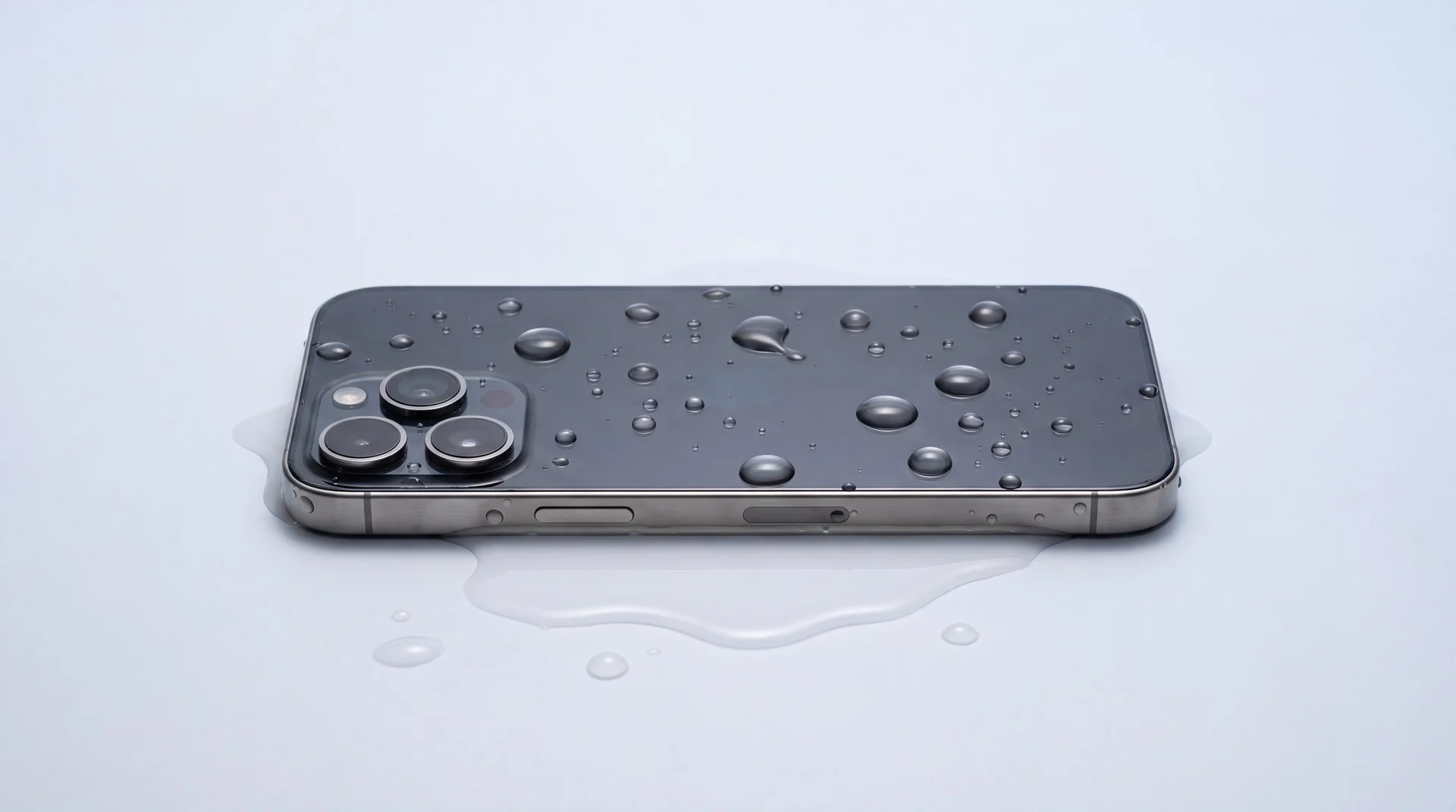
The short answer: turn it off, do not charge it, dry the outside and take the case and SIM out, then leave it somewhere dry and airy. Skip the rice and the hairdryer, they do more harm than good. The one thing that really saves wet phones is getting the inside dried and cleaned quickly, and our diagnostic to do that is free.
The first few minutes: what actually helps
Water damage is a race against corrosion, so what you do in the first few minutes matters more than anything you can buy. Here are the steps that genuinely improve your phone's chances, in the order to do them.
Turn it off, and leave it off
Power the phone down straight away and resist the urge to keep checking it. Liquid plus electricity is what fries the delicate parts inside, so cutting the power is the single most useful thing you can do. Do not press buttons to see if it still works.
Do not charge it
Plugging a wet phone in is one of the fastest ways to kill it, you can short out the charging circuit and burn components. Apple's own advice is to wait at least five hours before charging a wet iPhone, and only once it is fully dry. If you must know it has power later, wait.
Dry the outside and drain the port
Wipe it down with a soft, lint-free cloth. Apple suggests gently tapping the phone against your hand with the charging port facing down to clear excess water from it. Take the case off and pop the SIM tray out so trapped water can escape. Do not poke cotton buds or tissue into the port.
Leave it somewhere dry and airy
Stand it up in a dry spot with some airflow, a fan blowing cool air across it is ideal. Keep it out of direct heat and out of the fridge. Then leave it alone: it can take a day or more for a phone to dry through, and fiddling only spreads the water further inside.
Get it to us as soon as you can
This is the step that actually saves phones. Drying the outside does nothing about the water sitting on the electronics inside, and that is where the real damage happens. The sooner it is opened up, dried properly and cleaned, the better the odds. Our diagnostic to do exactly that is free.
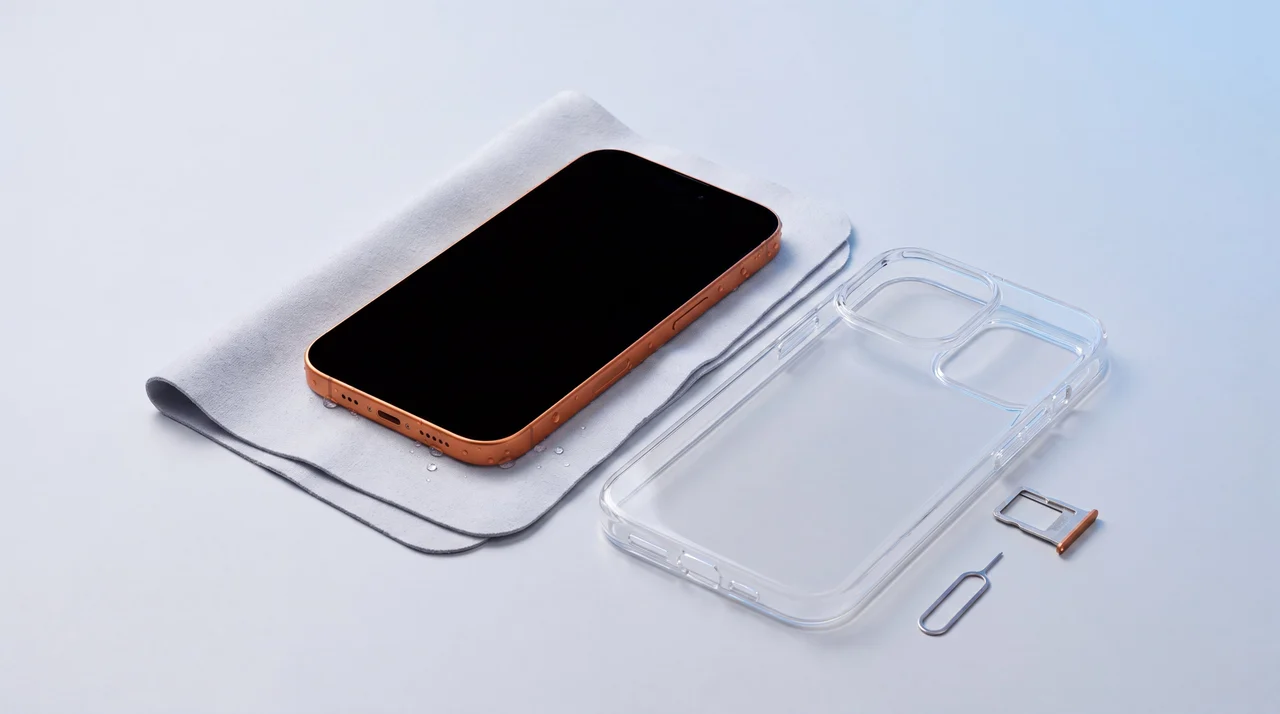
Case off, SIM out, screen off, drying in the air. Simple things that keep the water out of the parts that matter.
The myths that make it worse
Every one of these gets passed around as a magic fix. Every one of them can turn a recoverable phone into a write-off. Here is what the manufacturers and the workbench actually say.
Bury it in a bag of rice
Apple specifically advises against this: rice grains and dust can get stuck in the ports and cause their own damage. Worse, rice does nothing about the water already sitting on the circuit board inside. It is slow, ineffective, and it lets corrosion get a head start.
Blast it with a hairdryer
Heat is the enemy. A hairdryer pushes moisture deeper into the phone and can warp adhesives, cook the battery and damage the screen. Apple and Samsung both say do not use an external heat source. Cool airflow is fine, hot air is not.
Pop it in the freezer
A tempting internet trick that backfires. Freezing creates condensation and thermal shock inside a sealed device, and the moment it warms back up the ice simply melts into water again, right where you do not want it.
Charge it to see if it still works
The quickest way to turn a recoverable phone into a dead one. Sending current through a wet board can short it out for good. If you want to know whether it survived, let it dry and let us test it safely, do not gamble on the mains.
Shake it hard to fling the water out
A gentle tap with the port facing down, as Apple suggests, helps clear the connector. Vigorous shaking does the opposite, it drives water from a small wet area into dry parts of the phone and spreads the damage around.
Why getting it seen quickly matters
The water itself is rarely what kills a phone. The real damage is corrosion: water reacts with the tiny metal contacts on the circuit board and starts eating away at them, and that can begin within minutes. It is why a phone can seem perfectly fine the day it gets wet, then start glitching, refusing to charge or dying completely a week or two later.
Leaving it to dry on a windowsill does nothing about that corrosion, it just lets it carry on quietly. What stops it is opening the phone up and cleaning the board with isopropyl alcohol. Water that dries in place leaves mineral deposits behind, and those deposits are what carry on eating the contacts long after the phone feels dry to the touch. Often that clean is the entire repair: the phone comes in dead, goes back working, and nobody has bought a part. The sooner that happens, the more of the phone there is left to save, which is exactly why our first look at it is free.
Bring it in: the diagnostic is free
Our water-damage diagnostic costs you nothing. It includes carefully taking the phone apart, drying it out and cleaning the board, and for some phones that alone is enough to bring them back to life. If it needs parts, you get a fixed written quote first, and we never carry out any chargeable work without agreeing it with you. So the smartest first move is simply to get it to us.
If it cannot be saved, you still have options
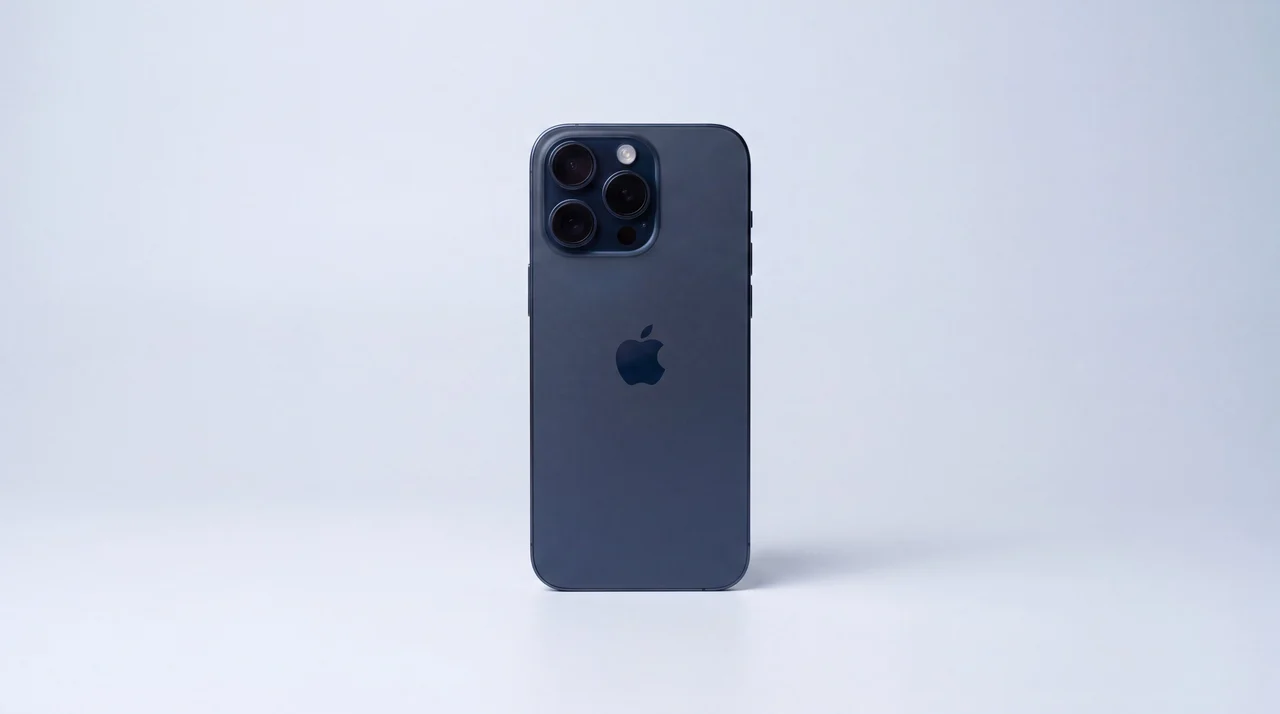
Sometimes water gets the better of a phone. If the free diagnostic says it is not worth fixing, we will be straight with you, and there is still a sensible route forward. Refurbished iPhones in our shop start from around £126, so a replacement need not break the bank. If you are torn between fixing it and starting again, our guide to whether a repair is worth it walks through the trade-off.
Have it repaired
Start with our free diagnostic. We open the phone, dry it properly and clean the board, which is sometimes all a wet phone needs. If it needs parts, you get a fixed written quote first and we never do chargeable work without your say-so.
See iPhone repairsSell it to us
Even a phone that has taken a swim usually has value in it for parts or refurbishment. If you would rather draw a line under it, tell us the model and we will give you a clear price, then handle the rest.
Get a price for your phoneTrade up to a refurbished one
If it is time for a fresh start, put whatever your old phone is worth towards a professionally refurbished replacement, and we move your data across and set it up for you in store.
Browse refurbished phonesFrom the workbench: what we see with wet phones
The phones that come back best are the ones we see soonest. A phone dropped in the sink and brought straight in, still off, has a real chance. The same phone left in a bag of rice for three days while the owner hopes for the best is a much harder job, because all that time the corrosion has been spreading.
We will always tell you the truth about a water-damaged phone, including when it is not worth spending money on. But the bill is not the only thing that matters: if the only copy of your photos and messages is on that phone, it can still be worth a go to get your data back safely. We lay the odds and the cost side by side and let you decide, and it costs you nothing to find out where you stand.
Whatever the outcome, you will not get a surprise bill from us. The diagnostic is free, and nothing chargeable happens until you have said yes to a fixed price.
The bottom line
If your phone has taken a soaking, do four things: turn it off, do not charge it, dry the outside and take the case and SIM out, and leave it somewhere cool and airy. Ignore the rice, the hairdryer and the freezer, they belong to the myths, not the fixes. Then get it to us as quickly as you can, because the real enemy is the corrosion working away inside, and the sooner it is dried and cleaned the more of your phone there is to save. Our diagnostic is free and we will never do chargeable work without your agreement, so there is genuinely nothing to lose by having it looked at.
If your phone was never actually wet and a Samsung is simply refusing to charge with a moisture warning, that is usually the cable or the port rather than water. We cover that in Samsung moisture detected on a dry phone.
Water-damaged phones: your questions answered
Does putting a wet phone in rice actually work?
No, and Apple advises against it. Rice grains and dust can lodge in the charging port and cause their own damage, and rice does nothing about the water already sitting on the electronics inside, which is where the harm happens. Silica gel packets are gentler than rice but still slow. The reliable fix is to have the phone opened up, dried properly and cleaned as soon as possible.
My phone still works after getting wet, is it fine?
Not necessarily. Corrosion can start within minutes of water reaching the circuit board, and a phone that seems fine today can develop faults days or even weeks later once that corrosion spreads. If it has had a proper soaking it is well worth a look while the problem is still easy to sort. Our diagnostic is free, so there is nothing to lose by getting it checked.
How long should I leave my phone before charging it?
Apple's guidance is to wait at least five hours before charging a wet iPhone, and only once it is completely dry, because charging a phone with liquid still inside can short out components. Honestly, rather than guess whether it is dry, the safer route is to bring it in and let us test it properly once it has been dried and cleaned.
Can a water-damaged phone be repaired?
Often, yes, especially if it is seen quickly. Our free diagnostic includes opening the phone, drying it and cleaning the board with isopropyl to lift the mineral deposits dried water leaves behind, and for some phones that alone is enough to bring them back. If it needs parts or turns out not to be worth fixing, we tell you honestly and give you a fixed quote before doing anything chargeable.
Will I lose my photos and data?
Not always. The faster a wet phone is professionally dried and cleaned, the better the chance of getting it powered up long enough to recover what is on it. If the only copy of your photos and messages is on that phone, treat it as urgent and get it to us quickly rather than leaving it to dry on a windowsill.
Do you charge to look at a water-damaged phone?
No. Diagnostics are free, and that includes disassembling and cleaning the phone, which is sometimes all it needs. We never carry out any chargeable work without agreeing it with you first, so you will always know the price before you commit.
Got a wet phone? Let us take a look
A free diagnostic, an honest verdict, and a fixed written quote before anything chargeable happens. The sooner we see it, the better its chances.