

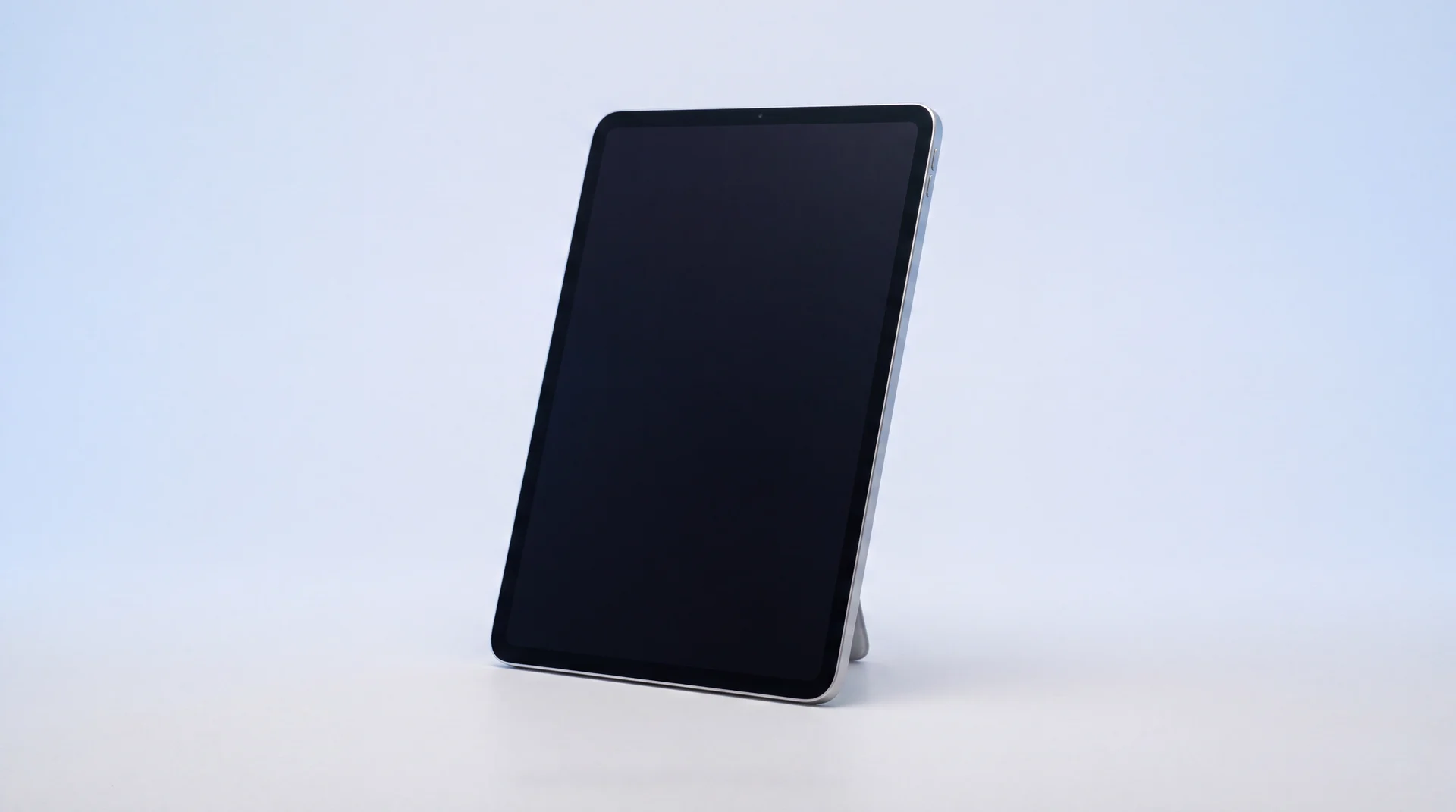
The short answer: an iPad that won't turn on or charge is almost always one of three things: a battery that has run completely flat and just needs time, a charging port blocked with lint or physically damaged, or software stuck in a frozen state that a force restart clears. None of those need a repair. Only once you've genuinely ruled all three out, and the iPad still shows nothing after an hour on a charger you know works, are you looking at a real battery or port fault. Even then, that's a same-day, fixed-price job, not a reason to buy a new one.
What to try when your iPad won't turn on or charge
Run through these in order. Most iPads that "won't turn on" are back to normal within the hour, and none of it costs a thing.
Swap the cable and the wall block
A worn cable or a low-power adapter is the single most common cause. Use a proper 20W-or-higher USB-C wall adapter, not a computer's USB port, and try a different cable if you have one.
Look inside the charging port
Shine a small light in. Lint builds up in pockets and bags and physically blocks the connection. Clear it gently with a wooden toothpick, never anything metal, which can short the pins or scratch the contacts.
Give it 30 to 60 minutes untouched
A completely flat battery can take half an hour on a known-good charger before it shows any sign of life at all, not even the charging icon. Leave it well alone before deciding nothing is happening.
Force restart it
Quick press Volume Up, quick press Volume Down, then hold the Top button until the Apple logo appears (on an iPad with a Home button, hold Home and the Top button together instead). This needs no charge in the battery and clears most software freezes.
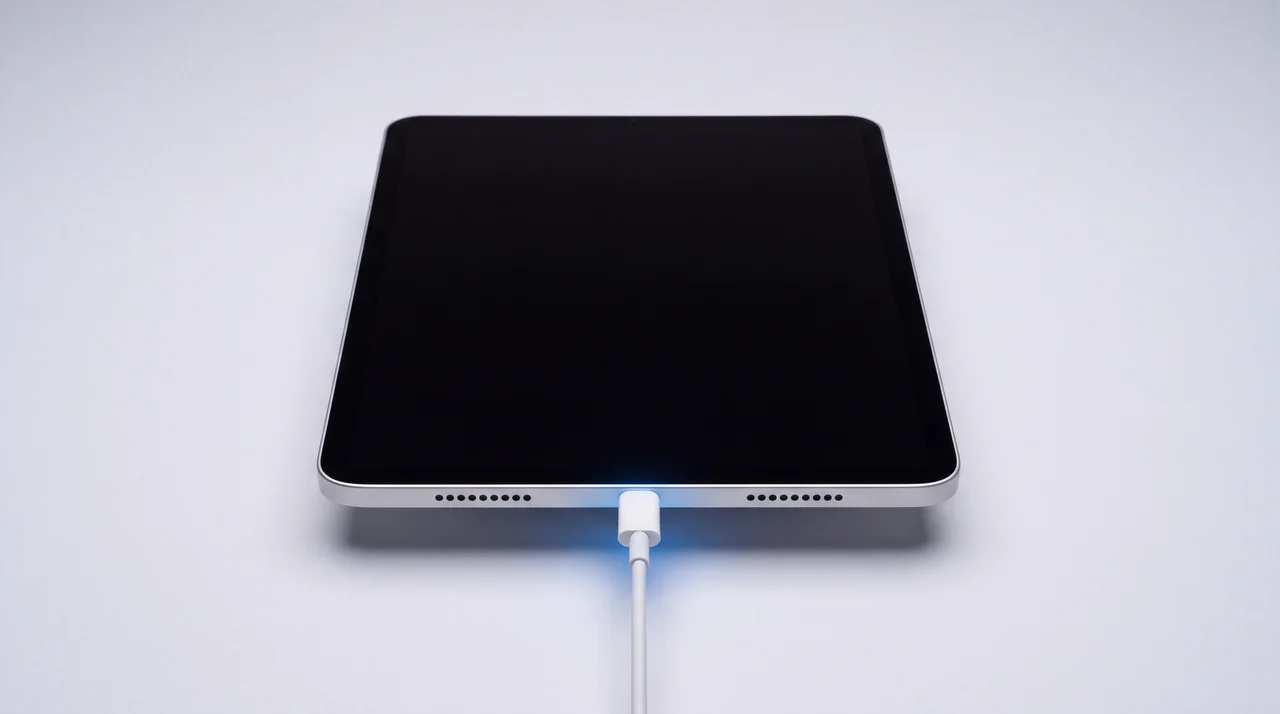
This is the same order Apple's own troubleshooting guide recommends, checked against its current official steps.
Why does an iPad just stop responding?
"Won't turn on" and "won't charge" are usually the same problem wearing two different faces. An iPad left flat for weeks in a drawer runs its battery down to nothing, and a battery at 0% needs real charging time before the screen shows any sign of life, so it looks dead when it is only asleep. A charging port packed with pocket lint or a worn USB-C cable produces the exact same symptom from the other direction, plenty of charge available, none of it getting in. And a cheap, non-certified cable can go a step beyond failing to charge: it can damage the charging IC itself, the cheap-cable fault we cover in depth on iPhone, and the same chip fault this guide comes back to below.
Genuine software freezes are the third cause, and we see them often on tablets that get picked up occasionally rather than used every day. An app or a background process locks up, the screen goes dark and stays dark, and nothing short of a force restart will bring it back, even though the hardware underneath is completely fine.
How do you know it's genuinely hardware?
If you have worked through every check above, on a charger and cable you know work on something else, and there is still nothing after an hour, that is a real fault, not impatience. Two physical signs are worth checking specifically: a port that looks bent, corroded or has visible damage inside it rather than just lint, and a back panel that no longer sits flat on a table. That second one is a swollen battery. It is a genuine safety issue, not only a battery-life one, so stop trying to charge it and get it looked at rather than leaving it plugged in overnight hoping it settles.
A force restart that produces the Apple logo but the iPad then hangs or loops back to black is also worth separating out. That usually points to a corrupted software update rather than a battery or port fault at all, and connecting the iPad to a computer to attempt a proper restore is worth trying before assuming the hardware has failed.
From the workbench: you do not have to guess either, because we do not. Every free diagnostic uses in-store chargers that log the actual power draw, the real amps and voltage the iPad is pulling the moment it is plugged in, and specific patterns point straight to a known fault before we have taken out a single screw. A cable connected but drawing nothing at all is a dead charging IC or port, not a battery problem. A reading that spikes and drops erratically usually means a failing cell inside the battery itself. It costs nothing and it is part of every diagnostic we do, which is often how we can tell you exactly what is wrong before any work starts.
What it actually costs to fix, by model
Apple's own repair page will not give you a number upfront for this. It inspects the iPad first and sends a personalised estimate afterwards. We do it the other way round, real prices by model, confirmed before anything chargeable happens.
iPad 9th Gen
Updated automatically from our live price list
iPad Pro 11" 4th Gen
Updated automatically from our live price list
Fitted the same day in most cases, with a 12 months warranty on the part.
See iPad repair pricesThe rarer third cause: a fault chip, not the port or the battery
On rare occasions, even a perfect port and a healthy battery won't fix a dead iPad. Charging is also managed by a small chip on the logic board itself, the charging IC, which controls how power moves from the port through to the battery. If that chip has failed, the iPad draws no power at all no matter how good the cable, adapter or port is, and a straightforward port or battery repair won't touch it. It is the same kind of fault we see on game consoles: a Nintendo Switch that will not charge can be a failed charging chip rather than a bad port.
From the workbench, this is the fault we come across most often on the iPad 10th generation, iPad (A16), iPad Pro 11-inch, iPad Pro 12.9-inch, and the newer iPad Air 11-inch and 13-inch models, sitting alongside the port and battery faults above as a third possibility rather than the first thing to suspect.
It isn't one of our standard listed repairs, because the fix means micro-soldering a replacement chip onto the board itself rather than swapping a part, so we look at it on the bench first and price your exact iPad individually rather than pretending one number covers every case. A free diagnostic tells you within minutes whether you're looking at a port, a battery, or this rarer chip fault, before you've spent anything. The same chip fault turns up on iPhone too, often traced back to a cheap USB-C cable or charger.
From the workbench: the iPads we would not bother fixing
A battery or port fault on an iPad that still gets iPadOS updates and works fine otherwise is one of the easiest calls we make, always worth fixing. An old model that has already dropped off Apple's update list, or one where the same fault has come back after a previous repair somewhere else, is a different conversation, and we would rather have it honestly than take the job anyway.
If yours falls into that second group, or you just fancy something newer, we buy iPads for parts even when they are completely dead, or you can put the value towards a refurbished one from our shop with a 12 months warranty. Either way we will give you a straight answer about which side of the line yours sits on before you spend anything.

Bought it recently? You may not need to pay for this at all
A charging fault with no drop, no water and no obvious cause, on an iPad you bought in the last six months, is exactly what the Consumer Rights Act 2015 covers. Within the first six months, a fault is presumed to have been there from the start, so the retailer has to prove otherwise, not you, and they get one attempt to repair or replace it. Go back to whoever sold it to you first, before paying for anything out of your own pocket.
The bottom line
Swap the cable, clean the port, give it a genuine hour on a working charger, then force restart it. That order clears most iPads that "won't turn on." If you have done all of it and there is still nothing, especially if the case will not sit flat or the port looks damaged, it is a real battery or port fault, and that is a same-day, fixed-price repair, not a reason to write the iPad off. Bring it in for a free diagnostic and you will know exactly which one you are dealing with before you spend a penny.
iPad won't turn on or charge: your questions answered
Why won't my iPad turn on or charge?
Almost always one of three things: a battery that has run completely flat and needs time on the charger before it responds, a charging port blocked with lint or physically damaged, or the iPad frozen in a software state that a force restart clears. Work through the free checks in order, cable and adapter, port, thirty minutes of patience, then force restart, before assuming it is broken.
How long does a completely dead iPad take to show signs of charging?
Give it 30 to 60 minutes on a proper wall charger, not a computer's USB port, before you conclude nothing is happening. A fully flat lithium battery genuinely can sit with no charging icon at all for the first stretch of that. If there is still nothing after an hour on a charger and cable you know work on another device, that points to a hardware fault.
How do I force restart an iPad that won't turn on?
On an iPad without a Home button, quickly press and release Volume Up, quickly press and release Volume Down, then press and hold the Top button until the Apple logo appears. On an iPad with a Home button, hold the Home button and the Top button together instead. It works even at zero battery once there is at least a little charge in it, and it needs no touch input.
What are the signs of a dying iPad battery?
Charging that is far slower than it used to be, a battery percentage that jumps or drops unexpectedly, the iPad switching off well before it reaches 0%, or the back of the case no longer sitting flat on a table. That last one is a swollen battery, a real safety issue, not just a battery-life one: stop charging it and get it looked at rather than continuing to use it.
How much does it cost to fix an iPad that won't charge?
On an iPad 9th Gen, we charge £96 for a battery replacement or £96 for a charging port repair, fitted the same day in most cases with a 12 months warranty. Pro and mini models run higher, so we always confirm your exact model before quoting.
Does Apple charge a fixed price to fix an iPad that won't charge?
No. Apple's own repair page does not publish a flat fee for this, it inspects the device first and gives you a personalised estimate afterwards. We price it the other way round: tell us the model and the fault, and we give you a fixed number before anything chargeable happens.
Is it worth fixing an old iPad that won't turn on?
If it is one fault, a battery or a port, on an iPad that otherwise still works and gets software updates, yes, that is a small repair against a device worth a lot more. If it is an old, low-value model already struggling in other ways, or no longer getting iPadOS updates, selling it to us for parts or trading it towards a refurbished upgrade usually makes more sense than paying to fix it.
My iPad's charging port has already been replaced but it still won't charge. What now?
That points away from the port and towards one of two things: a battery that has genuinely failed rather than just being flat, or the charging IC, a small chip on the logic board that manages power and needs micro-soldering to replace rather than a straightforward part swap. From the workbench, we see the chip fault most often on the iPad 10th generation, iPad (A16), iPad Pro 11-inch and 12.9-inch, and the newer iPad Air 11-inch and 13-inch models. It is not a standard listed repair, so we diagnose it for free and give you a specific price for your exact iPad before doing anything.
What is a charging IC?
It is a small chip on an iPad's logic board that controls how power flows in from the charging port through to the battery. It is a completely different part to the port itself, physically inside the device rather than at the edge you plug into, so a new port or a new battery will not fix it if this chip has failed. It is a rarer fault than a blocked port or a flat battery, and repairing it means micro-soldering rather than a simple part swap.
Still dead after all of that? Let us take a look
Free diagnostic, a fixed written quote before anything chargeable happens, and a 12 months warranty on every repair.