

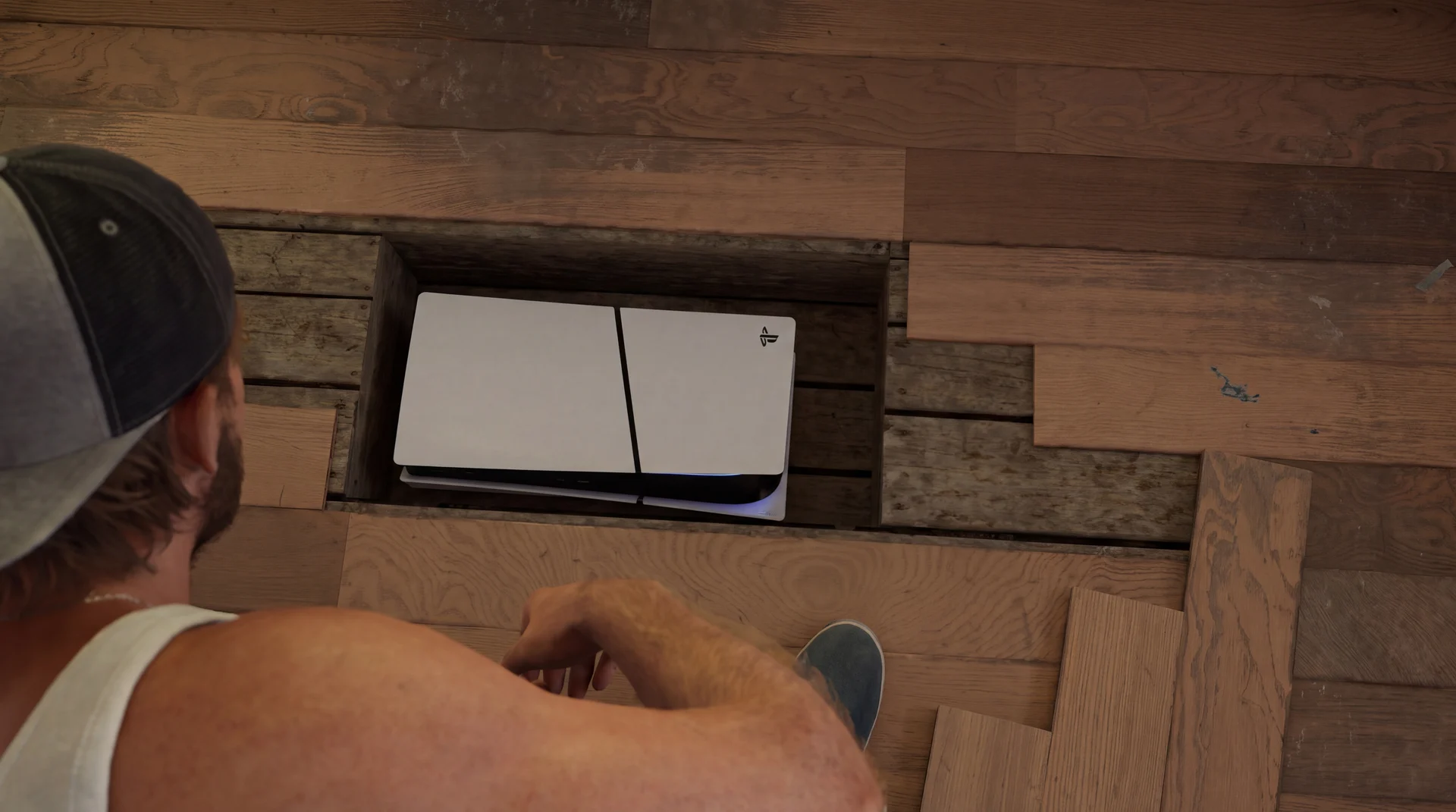
The short answer: CE-108255-1 is the PlayStation 5 (PS5) error for a game that has crashed; Sony's page says only that "an error occurred with the game/application". For GTA 6, rule out software first: update the game and the system software, power the console fully off and give it clear airflow. If it still crashes, the fix on every crashing PS5 mendmyi has repaired so far is a strip-down, a deep clean of the heatsink and fan, and new liquid metal on the APU.
How to fix GTA 6 crashing on PS5 (CE-108255-1)
Steps 1 to 6 are free and take software, settings and airflow out of the picture. Change one thing at a time and load GTA 6 after each, so you know which step made the difference. Step 7 is the hardware fix.
-
Update GTA 6 and the system software
Highlight GTA 6 on the home screen, press Options and choose Check for Update. Then go to Settings, System, System Software and update the console. GTA 6 needs system software 26.07-14.23.00 or later. Preloading the game does not install it.
-
Power the console fully off
Rest Mode keeps parts of the console powered. Choose Turn Off PS5 from the power menu, leave it off for two minutes, then start it again.
-
Give it clear airflow
Sony specifies at least 10cm of clear space on every side and no carpet or long-fibre rug underneath. Take it out of any closed cabinet.
-
Vacuum the vents
With the power cable out, run a low-powered vacuum over the vents, as Sony recommends. This lifts surface dust. It does not reach the dust packed into the heatsink fins.
-
Lower the video output
In Settings, Screen and Video, Video Output, set the resolution to 1080p and turn off HDR and 120Hz output. Some players report fewer crashes with this. Treat it as a workaround while you test.
-
Rule out the install
Keep some free space on the drive, and if GTA 6 is on an external drive, move it to the internal one. If the console reports corrupted data, delete the game and download it again. Run Clear Cache and Rebuild Database from Safe Mode once.
-
Replace the liquid metal and clean the cooler
If GTA 6 still crashes after steps 1 to 6, the cooling needs work: a strip-down, the heatsink and fan cleaned, the old liquid metal removed and new liquid metal applied to the APU. This is a bench job. Book it here.
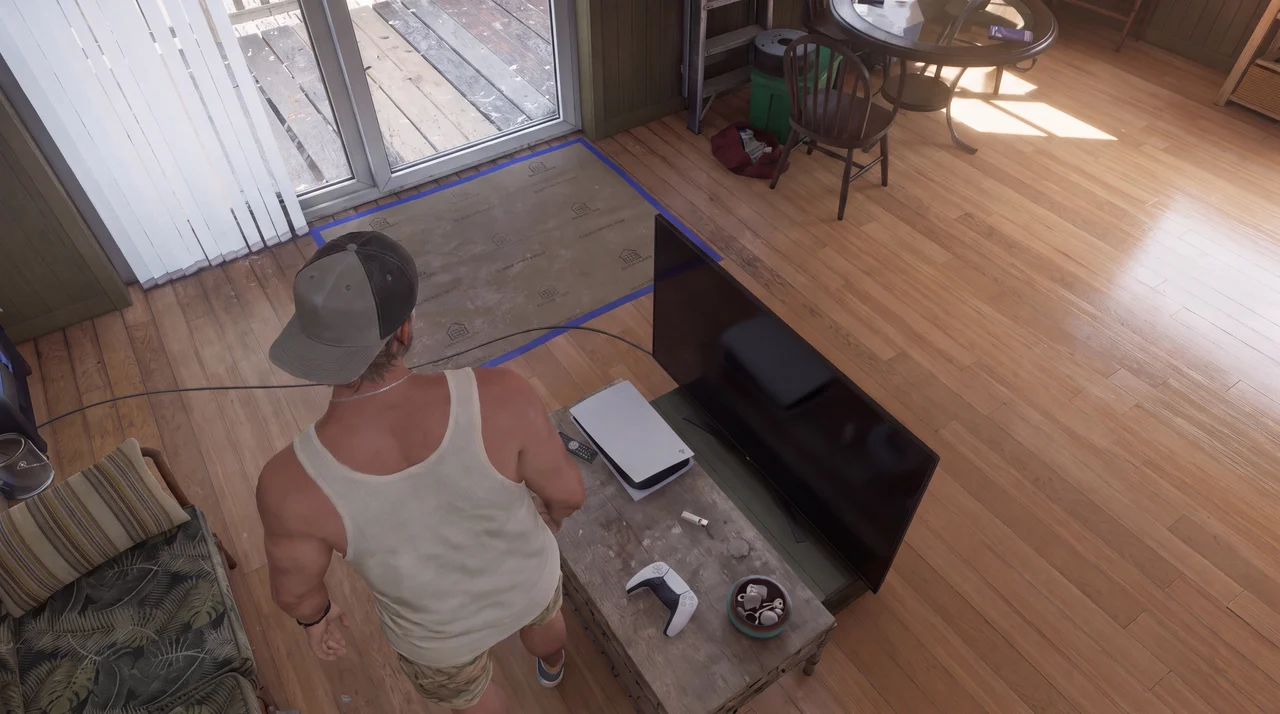
Why a deep clean and new liquid metal stop the crash
The PS5's APU is the single chip that does both the processing and the graphics. Heat leaves the chip in two stages. A thin layer of liquid metal carries the heat from the chip into the heatsink, and the fan pushes air through the heatsink's fins to carry it out of the console.
Both stages degrade. iFixit notes the liquid metal "can oxidize or become unevenly spread on the APU and heatsink", and lists overheating, throttling and poor performance as the signs it needs replacing. Dust packed into the fins cuts the airflow through them. No update, reset or reinstall touches either.
On our bench, multiple crashing consoles had the APU running above 100°C. After a strip-down, a deep clean and new liquid metal, the crash has stopped on every one we have had in so far.
That is our bench result, not an official diagnosis. Sony and Rockstar have not named a cause yet, and we will update this page when they do.
The cooling system in more detail: a PS5 overheating and shutting down.
How much does a PS5 liquid metal repair cost?
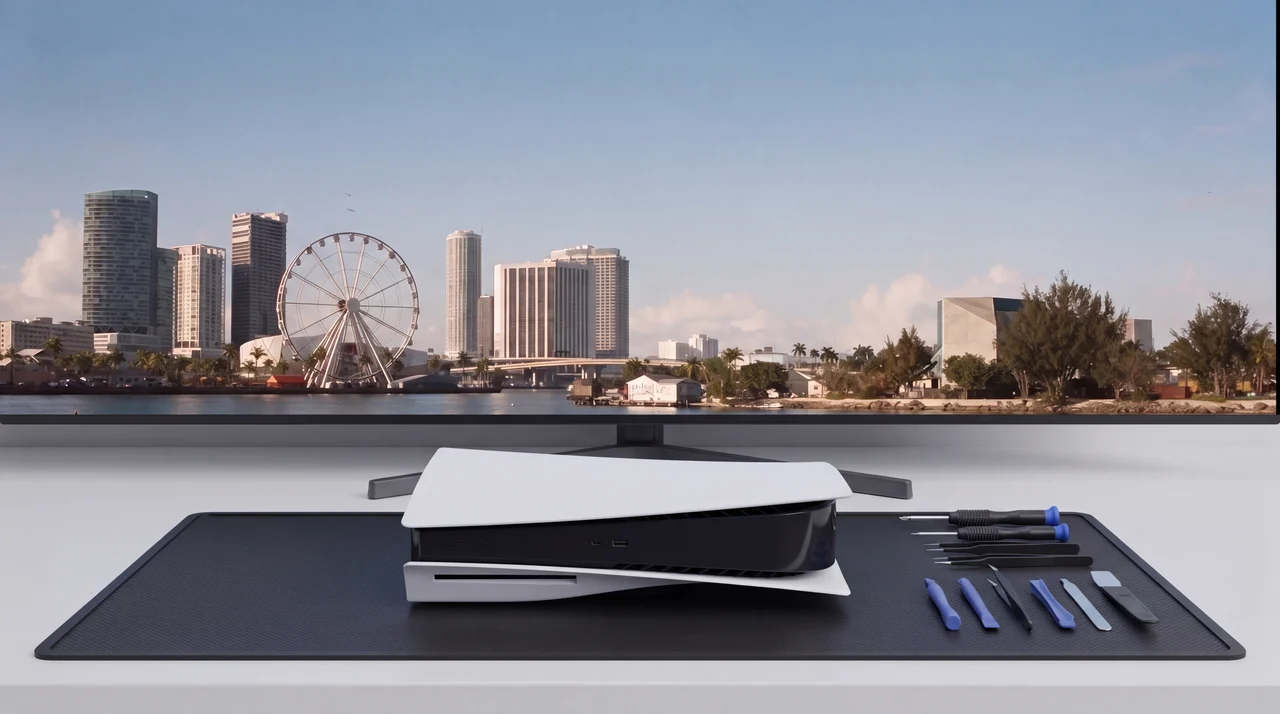
The mendmyi Deep Clean & Liquid Metal Repair costs £86, with 12 months of warranty. Your own console comes back, with GTA 6, your saves and your settings still on it.
What the repair involves
We strip the console to the board and take the heatsink off. The old liquid metal comes off the APU and the heatsink face, a new even layer goes on, and the containment around the chip goes back in place. The fins, fan and dust ports are cleaned, and the console is reassembled and run under load before it goes back.
If the crash turns out to be a fault in the game, the repair is still charged.
How to tell if your PS5 is overheating
Two checks need no tools. After half an hour of GTA 6, hold a hand by the vents at the back: warm air is normal, air too hot to keep your hand in is not. Then listen to the fan on the home screen with nothing running: it should be quiet. Other patterns that point at cooling:
- The crash comes after a stretch of play rather than on the menu, and sooner on a warm evening or in a cabinet.
- Other demanding games have started closing too.
- The fan has got louder over recent months, not just in GTA 6.
- With a faceplate off, the dust ports along the edges are full of grey fluff.
What GTA 6 players are reporting
Beebom collected reports of crashes in the opening cutscene, seconds after starting and several missions in, on launch PS5s and Slims. Dexerto quoted a PS5 Pro owner whose game crashed as soon as the prologue began.
Players in those reports cleared the cache, rebuilt the database, re-downloaded the game and factory reset the console, and the crash came back. Others restored their licences, with the same result.
Is there another way?
Wait for a patch
If the cause is in the game, a patch from Rockstar may fix it. Keep GTA 6 updated either way.
Send it to Sony
Out of warranty, Sony's service is an exchange: you send your console and get a refurbished one back, for a fee Sony quotes on request. Back up your saves before it goes.
No picture at all is a different fault: see a PS5 HDMI port that has stopped working.
CE-108255-1 and GTA 6: your questions answered
What does error code CE-108255-1 mean on PS5?
It means the game crashed. Sony describes it as "An error occurred with the game/application." The code does not identify a cause, and other games throw it too. Steps 1 to 6 above apply to any game.
How do I fix GTA 6 crashing on PS5?
Update GTA 6 and the system software (26.07-14.23.00 or later), power the console fully off, give it 10cm of clear space and vacuum the vents. If it still crashes, the fix on every crashing PS5 mendmyi has repaired so far is a strip-down, a deep clean of the heatsink and fan, and new liquid metal on the APU.
Will reinstalling GTA 6 fix CE-108255-1?
Not in the reports we have read. Players cleared the cache, rebuilt the database, reinstalled and factory reset, and the crash came back. Reinstall only if the console reports corrupted data.
Can overheating cause CE-108255-1?
Yes. Multiple crashing PS5s on our bench had the APU running above 100°C. The APU is cooled through a layer of liquid metal, which iFixit notes can oxidise or spread unevenly over time, and dust in the heatsink fins cuts the airflow that carries the heat away.
My PS5 is new. Can it still need the liquid metal doing?
Yes. We do the same fix on any PS5 that keeps crashing with this code, whatever its age or model. A newer console has less dust in the fins, but the liquid metal layer is the same part, and no update or reset reaches it.
Can I replace the liquid metal in my PS5 myself?
We would not. The console has to come down to the board, and liquid metal conducts electricity, so a stray drop can short a component. The old layer has to come off both surfaces completely, the new layer goes on evenly, and the containment around the chip goes back in place.
Still crashing after steps 1 to 6?
Ask us about your Deep Clean & Liquid Metal Repair
Tell us what it is doing and we will come back to you within 24 hours with a price.