

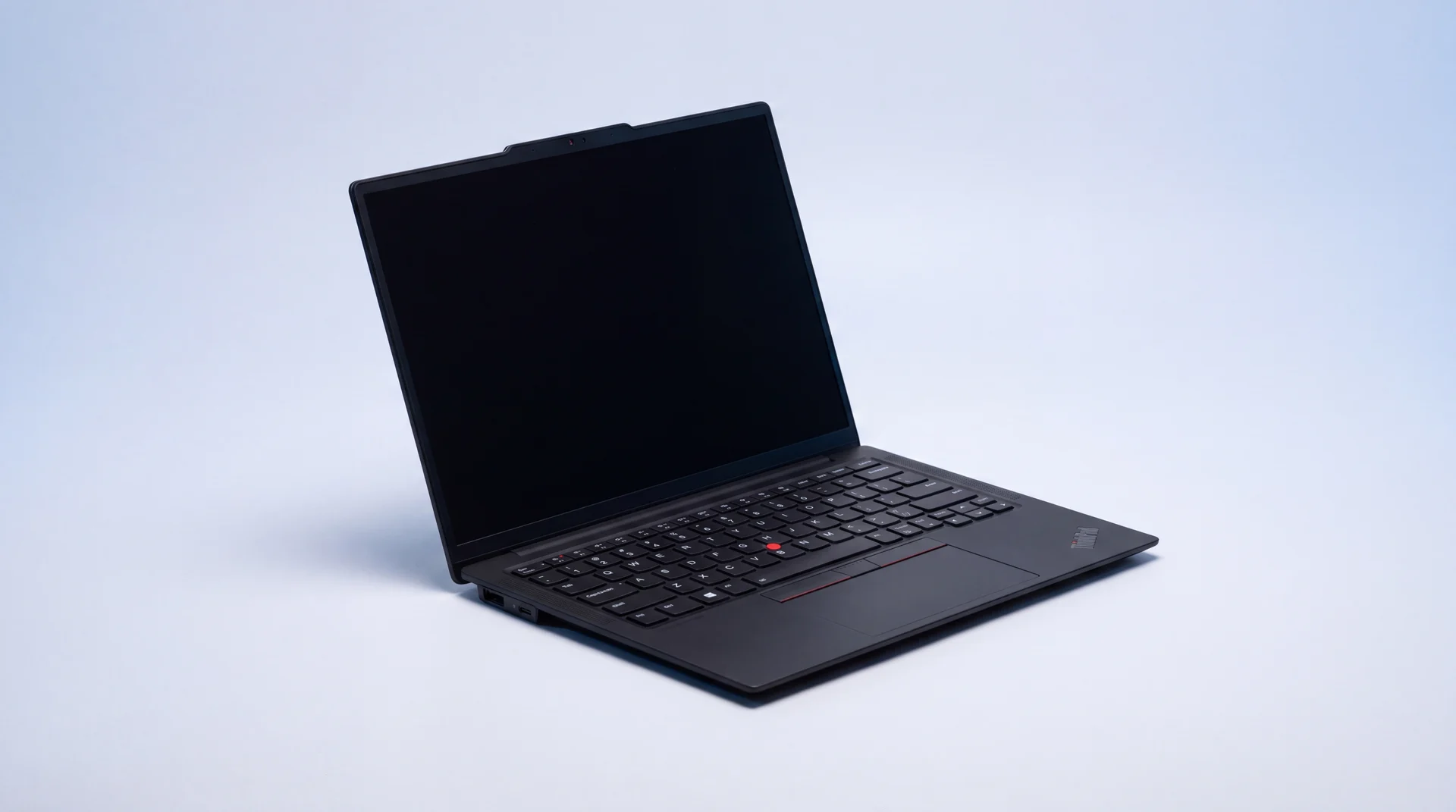
The short answer: a laptop keyboard that has stopped working is more often software than broken hardware, an accidentally-enabled Filter Keys setting or a driver that needs reinstalling account for a large share of "dead" keyboards. The one test that tells you which you're dealing with takes thirty seconds: restart the laptop and tap Esc or F2 before Windows loads. If the keys work in that boot menu, it's software and fixable for free. If they don't, it's genuinely broken and needs a physical repair. Here's how to run through it properly.
Step 1: rule out software, it costs nothing to try
Run through these in order before you assume the worst. Most "dead" laptop keyboards come back at step one or two.
Turn off Filter Keys
Hold the right Shift key down for about 8 seconds, or go to Settings > Accessibility > Keyboard and switch Filter Keys off. It's an accessibility setting designed to ignore brief or repeated keystrokes, and it's a surprisingly common cause of a keyboard that seems dead but isn't.
Restart the laptop properly
A full shutdown and restart, not just closing the lid, clears most temporary glitches. If the keyboard works again straight after, that's a strong sign it's software, not a broken part.
Reinstall the keyboard driver
Right-click the Start button, open Device Manager, expand Keyboards, right-click your keyboard and choose Uninstall device, then restart. Windows reinstalls the correct driver automatically on boot.
Unplug anything else connected
A USB hub, external keyboard or mouse can occasionally conflict with the built-in one. Disconnect everything else and try again before ruling the internal keyboard out.
Use the on-screen keyboard to keep going
Click the accessibility icon on the sign-in screen (or Settings > Accessibility > Keyboard on the desktop) to bring up a keyboard you can click with the mouse or trackpad. It won't fix anything, but it keeps you working while you try the rest of these, and it's how you'll type your way through the settings above if the physical keyboard is completely dead.
One thing worth separating out: a whole keyboard that types nothing at all points to the software causes above, or a connection issue if it happened after opening the laptop up. A handful of individual keys not responding, while the rest work fine, is usually physical: a stuck key from dust or a dried spill, or worn switches on an older laptop. Skip ahead to the BIOS test below either way, it tells you which camp you're in.
Step 2: the BIOS test tells you software from hardware
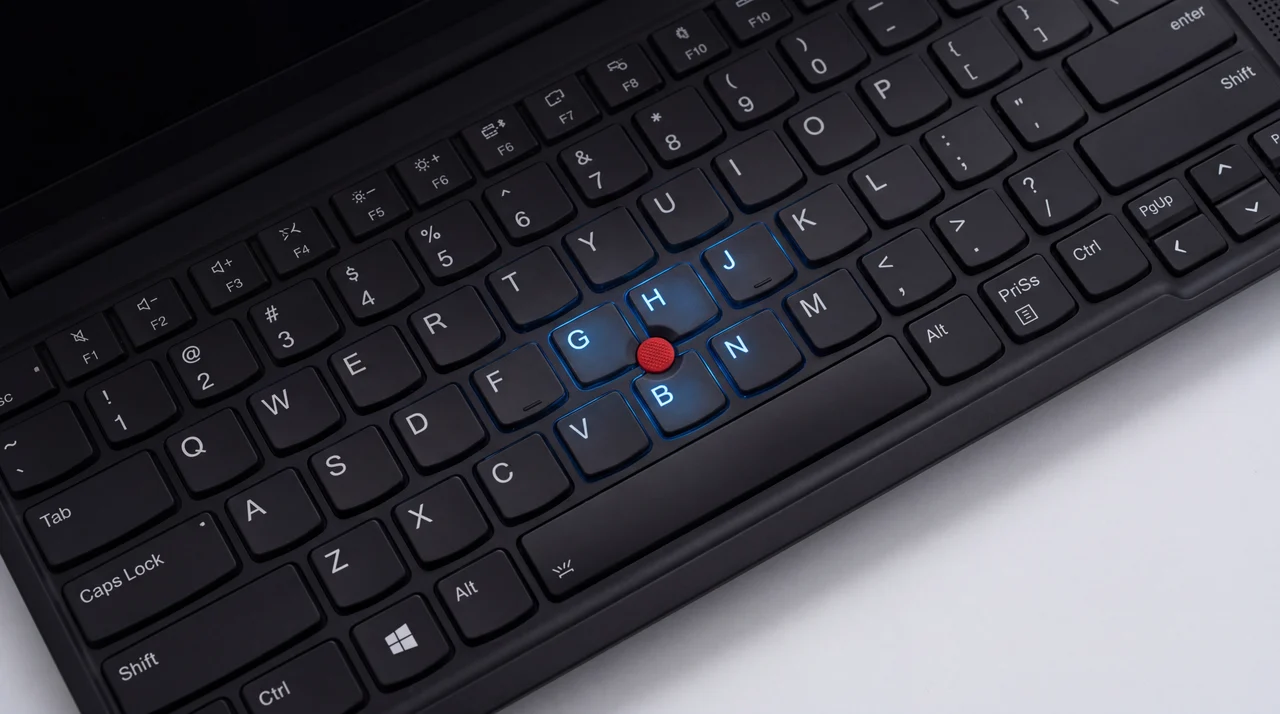
Windows has already loaded and got in the way by the time you notice a keyboard fault, so the fixes above only prove Windows isn't the problem, not that the keyboard is fine. The BIOS runs before any of that, so it's the cleanest test there is.
Restart the laptop and repeatedly tap Esc or F2 (some laptops use Del or F10, check your manufacturer if neither works) the moment it starts booting, before you'd normally see the Windows logo. That opens the BIOS or startup menu.
Keys work in the BIOS? It's software. Go back through step 1, and if none of those fixed it, a full Windows reset (after backing up) usually will.
Keys don't respond in the BIOS either? That's a genuine hardware fault, most often a spill, a knock, or the membrane underneath simply worn out after years of typing. It needs a physical repair, not another software fix.
If it's hardware, here's what a fix actually costs
A physical keyboard fault is a straightforward part-swap for us, not a reason to start pricing up a new laptop. From the workbench: DIY keyboard replacement kits are sold online, but on most modern thin laptops the keyboard is glued or riveted into the chassis rather than held in with a few accessible screws, so it's a harder job than it looks, and it's easy to damage the trackpad ribbon or the chassis itself trying.
Tell us your laptop's make and model for a fixed keyboard-replacement quote.
See laptop repair pricesWe diagnose it free before quoting, replace the whole keyboard assembly rather than patching individual keys (which rarely lasts), and most laptops go back to you the same day. Every repair carries our 12-month warranty on the part we fit.
What that actually involves: the keyboard sits on top of the palm rest assembly on most laptops, so replacing it means opening the base, disconnecting the ribbon cable underneath, and swapping the whole unit rather than digging out individual keycaps. It's a fiddly job with the right parts and tools, which is exactly why the DIY kits sold online catch people out, but it's routine for us and doesn't touch your storage or data, so there's nothing to back up beforehand.
From the workbench: what actually kills a laptop keyboard
A spill is the one we see most, even a small splash of tea or water, because liquid finds its way under the keys and corrodes the contacts underneath long after the surface has dried. Keys can start sticking or double-typing for weeks before they die completely, so don't wait for it to get worse.
On an older laptop, general wear is just as common as a spill: the rubber membrane under the keys degrades after years of typing, and a handful of keys going unresponsive at once, rather than the whole keyboard dying together, is the classic sign of that.
Dust and crumbs jamming individual keys, and knocks from a drop or a squashed bag, make up most of the rest. None of it is expensive to put right on a laptop that's otherwise in good shape.
One fault doesn't mean a new laptop
A keyboard is one part on an otherwise healthy machine. Replacing it is nearly always cheaper than replacing the whole laptop, and it saves you the hassle of a fresh Windows setup, reinstalling every program and signing back into everything. If your laptop is genuinely on its last legs elsewhere too, or you fancy an upgrade, we sell professionally refurbished laptops with a 12-month warranty, and we'll set the new one up for you.
Browse refurbished laptops
The bottom line
Try the free software fixes first, they solve a genuine share of "dead" laptop keyboards in a couple of minutes. Then run the BIOS test: if the keys work there, it's software and fixable yourself; if they don't, it's hardware and needs a repair, not more troubleshooting. Either way, a keyboard fault on a laptop that's otherwise fine is almost always worth fixing rather than replacing the whole machine. Bring it in for a free diagnostic and we'll give you a fixed quote before anything chargeable happens.
Laptop keyboard problems: your questions answered
Why has my laptop keyboard suddenly stopped working?
Most sudden keyboard failures are software, not hardware: Filter Keys switched on by accident, a driver that needs reinstalling after a Windows update, or a conflicting USB device. A liquid spill, a hard knock, or keys that have simply worn out after years of use are the main hardware causes, and those need a physical repair rather than a settings fix.
How do I know if my laptop keyboard fault is software or hardware?
Restart the laptop and repeatedly tap Esc or F2 as it boots, before Windows loads, to open the BIOS or startup menu. If the keys work there, the fault is software and one of the fixes above should sort it. If the keys don't respond even in the BIOS, that's a genuine hardware fault and it needs a repair.
Can I fix a laptop keyboard myself?
The software fixes above are safe to try yourself and cost nothing. Replacing the physical keyboard yourself is possible on some laptops but genuinely difficult on thin modern ones, where the keyboard is often glued or riveted into the chassis rather than held with a few simple screws. We'd rather you knew that honestly before ordering a part online and finding out the hard way.
What usually causes a laptop keyboard to fail?
A spill is the single most common physical cause, even a small one, because liquid gets under the keys and corrodes the contacts underneath. After that it's general wear on older laptops (the membrane under the keys degrades over years of typing), dust and debris jamming individual keys, or physical damage from a knock or drop.
How much does a laptop keyboard replacement cost?
It varies by laptop model, so we always give you a fixed quote before any work starts rather than a vague estimate. Tell us your make and model for a real price.
Is it worth repairing a laptop keyboard or should I replace the whole laptop?
For a single fault like a keyboard on an otherwise healthy laptop, repairing is almost always the cheaper route, you're paying for one part, not a whole new machine. It's only worth thinking about replacing the laptop if the keyboard fault is one of several problems happening at once, or the laptop is already old enough that other parts are due to fail too.
Get your laptop keyboard diagnosed, free
Bring it in or send it to us. Free diagnostic, a fixed written quote, and a 12-month warranty on every repair.