


How a device repair works
The price on the repair page is what that job costs. If we find anything else wrong once the device is open, we quote it separately and wait for you to say yes before doing any of that work. We never do work you have not agreed.
Start to finish
The whole process, in four steps
No surprise charges, and no work done to your device that you have not agreed to.
Book it, and pick how we get it
Tell us the device and what is wrong, and choose walking in, a doorstep collection, or a pre-paid label. The price quoted for that job is what it costs.
Get the device to us
Three ways, all free: walk into the shop, book a collection from your door if you are within 5 miles, or post it from anywhere in mainland UK on a pre-paid label waiting on your order.
We run a full diagnostic and quote the work
Before we touch anything we test every feature and note what is and is not working. Then you get a quote for the repair, and anything else we find is quoted separately before we start on it.
You approve or decline, and we get it back to you
Approve it and we get on with the repair, then run the same diagnostic again so you can see what changed. Decline it and there is nothing to pay, and the device comes back to you at no cost.
Already ordered?
What to do next
What to do before your device leaves you, and what to expect once it is with us.
Before it leaves you
Turn off Stolen Device Protection
We run a full diagnostic that tests every feature before the repair and again once it is finished, so you can see what was working when it reached us. This feature blocks that diagnostic from completing. You will find it in Settings, then Face ID and Passcode.
Leave the passcode switched on, and tell us what it is
Taking it off works just as well. Either way we need to be able to get in, because we power the device on and test it after the repair.
Please do not factory reset it
We are repairing it, not buying it, so a reset only loses you your data.
Back up anything you would miss, and take the SIM out
Take any memory card out too, and keep hold of the case, the cable and the charger: we do not need them.
Waiting to send it or be collected
If you asked us to collect, the day and window you picked is a request until we confirm it. If you are posting it, your label and tracking number are waiting for you. Both show on your order in the portal.
Nothing turned up, or you need a different day? Message us on the order and we will sort it. There is no charge for changing a collection. The full detail is in collections and labels, below.
We have it, and you are waiting on the quote
We tell you when it arrives. Then it goes on the bench for the full diagnostic, and the quote for the repair appears on your order. You do not need to chase us for it.
Approve or decline it there. Approve and we get on with the repair. Decline and there is nothing to pay, and the device comes back to you free.
Three ways in
Getting the device to us
Pick whichever suits you. All three cost you nothing, and the arrangement lands in your inbox so you are never waiting on a phone call to know what happens next.
-
In Haverhill
Walk in
Bring it to the shop, no appointment needed. We are open Monday to Friday 9am to 5pm and Saturday 10am to 1pm. Where the job allows we do it while you wait, and if it needs longer we tell you before you leave.
Often while you wait
-
Within 5 miles
We collect from your door
Pick a day and morning or afternoon. We email you a two-hour slot, or another day if we can't make yours. Changing it is free.
Free
-
Anywhere in mainland UK
Post it to us
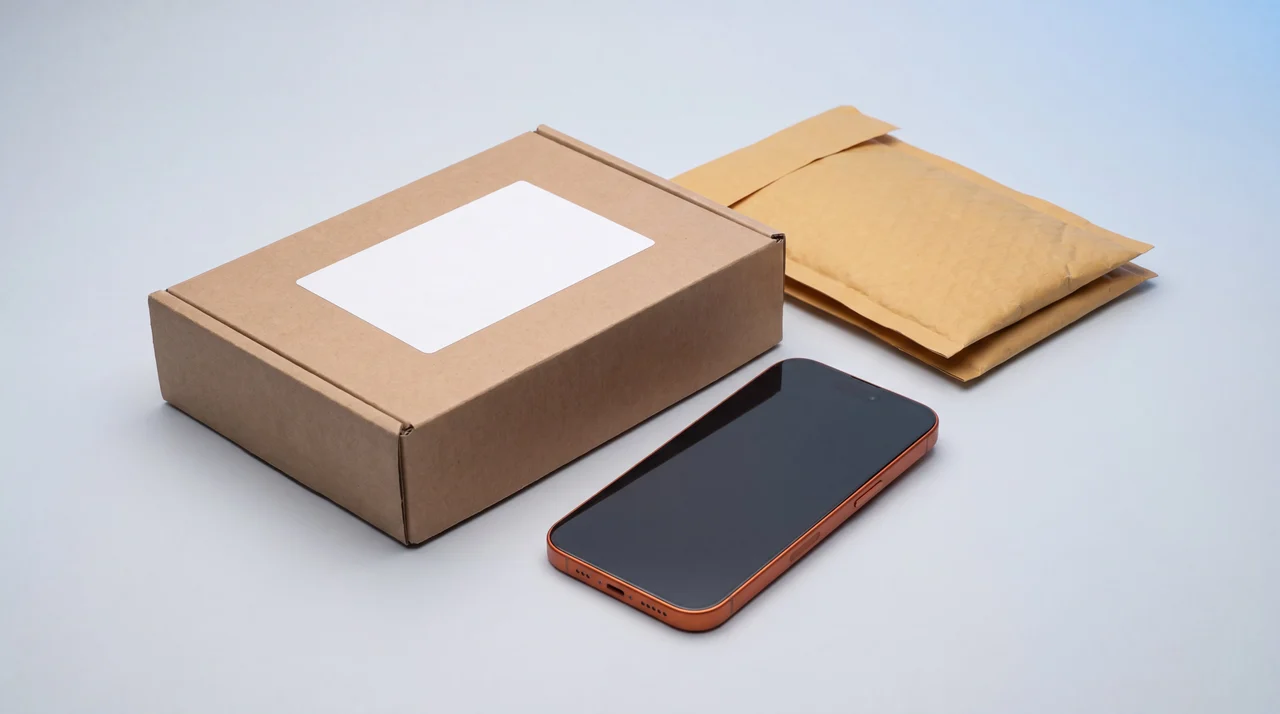
You get a free pre-paid tracked label to print at home and tape on, then you drop it at a Post Office or book a free Royal Mail collection from your door. No printer or no box? Ask for packaging and it arrives with the label already on it.
Free both ways, £50 cover in transit
Outside the 5 miles you get a label to print rather than a van, which usually reaches us faster than waiting on a collection. Change your mind after sending it and the device comes back to you free either way.
The practical bit
Collections and labels, step by step
What is confirmed, what is not, and exactly what to do with a label once it lands.
If we are collecting
- Pick a day and morning or afternoon. We collect during shop hours.
- That is a request, not a booking. We email you to confirm a two-hour slot, or suggest another day if we can't make yours. Short-notice days, like tomorrow picked after we have closed, are the most likely to move.
- Need a different day? Change it on your order in the portal. There is no charge.
- Nobody in when we arrive? We will contact you to rebook rather than leave a card and give up.
Collection is for addresses within 5 miles of the shop. Further out and we send a label instead, which is quicker for you than waiting on a van.
If you are posting it
- Your pre-paid label and tracking number are on your order in the portal. We email them to you as well, so you can use whichever you reach first.
- Print the label and tape it to the parcel. You need to do this whichever way you send it.
- Then either drop it at any Post Office whenever suits you, or book a free collection at send.royalmail.com/collect/youritems with your tracking number and Royal Mail will come to your door for it. Keep the receipt until we confirm it has arrived.
- No printer, or no box? Ask us for packaging and it arrives with the label already on it, in 1 to 2 working days. Nothing to print, nothing to find.
Cover on our label is £50. If the device is worth more than that, send it by whichever service you prefer, with the cover you want on it, to the shop address on our contact page. Keep the receipt until we confirm it has arrived.
What we actually do
The before-and-after diagnostic
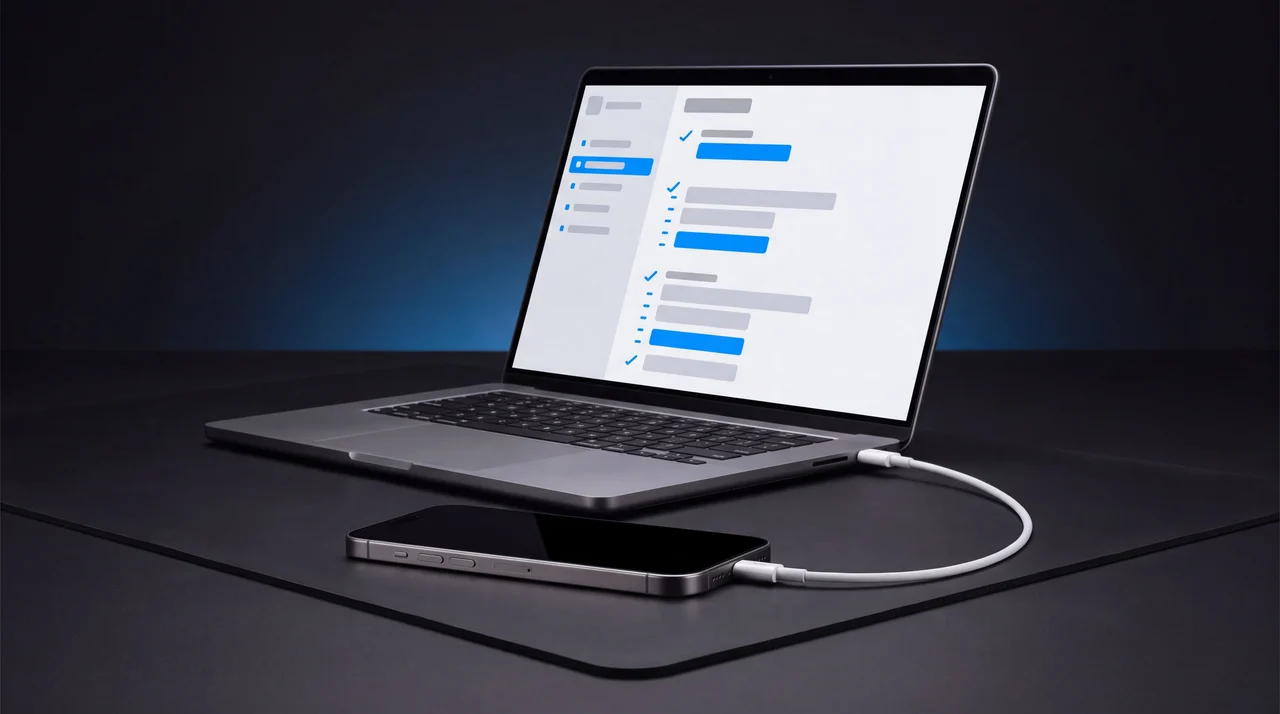
Before we touch the device we run a full feature diagnostic and note what is and is not working. Once the repair is finished we run the same diagnostic again. That is how we can say what was working when the device reached us and confirm what is working when it leaves, rather than just taking our word for it.
Stolen Device Protection has to be off for that test to complete, which is why it is the first thing we ask for. With it on, the device blocks the very checks that prove the repair worked, on the model of device it affects.
Please do not factory reset the device before it comes to us. That is the sell instruction, and it is the opposite of what a repair needs: we have to power the device on and test it, both before we start and after we finish, and a wiped device gives us nothing to compare against.
Repairs: your questions answered
Why do you need Stolen Device Protection turned off?
We test every feature on the device before we start and again once the repair is finished, so you can see what was working when it reached us and what was working when it left. Stolen Device Protection stops that test completing, so it needs to be off before the device comes to us. It takes a minute in Settings, then Face ID and Passcode.
Do I need to reset the device before it comes to you?
No, and this is the opposite of selling a device to us. We are repairing it, not buying it, so please do not factory reset it. A reset only loses you your data and does not help us, and we have to power the device on and test it after the repair anyway.
What about my passcode?
Leave it on and tell us what it is, or take it off. Either way works, but we do have to be able to get into the device to test it. A locked device we cannot open is a repair we cannot finish.
What do you actually test, and when?
A full feature diagnostic, run before we touch the device and again once the repair is finished. That is how we can say what was working when it reached us and confirm what is working when it leaves, rather than just taking our word for it.
What if you find something else wrong once you open it up?
We quote it separately and wait for you to say yes before doing any of that work. The price you were quoted for the original job does not move because of something we found. Nothing extra ever happens without you agreeing to it first.
How do I get the device back once it is repaired?
Collected from the shop, a doorstep drop-off if you had a doorstep collection, or posted back to you free of charge. All of it is arranged in your portal, and we tell you there the moment the repair is done.
Is my collection slot confirmed as soon as I pick it?
No. Picking a day and morning or afternoon sends us a request. We email you to confirm a two-hour slot, or suggest another day if we can't make yours. Short-notice days, like tomorrow picked after we have closed, are the most likely to move.
I have a label but no printer. What now?
Ask us to send packaging instead, and it arrives with the label already on it in 1 to 2 working days. That is the route with no printing in it at all. Booking a free Royal Mail collection does not solve this: the label still has to be printed and taped on before the driver arrives, because free collection means free collection, not free printing. A driver who finds nothing on the parcel cannot take it.
Do you repair my model?
Search your device on the repairs page to see the jobs and prices we offer for it. If it is not listed, message us with the model and what is wrong and we will tell you whether we can help.
Do you cover Northern Ireland, the Isle of Man or the Channel Islands?
We do not collect from or post to Northern Ireland, the Isle of Man or the Channel Islands. You are still very welcome to walk into the shop in Haverhill, or arrange your own courier to bring the device to us at that address.